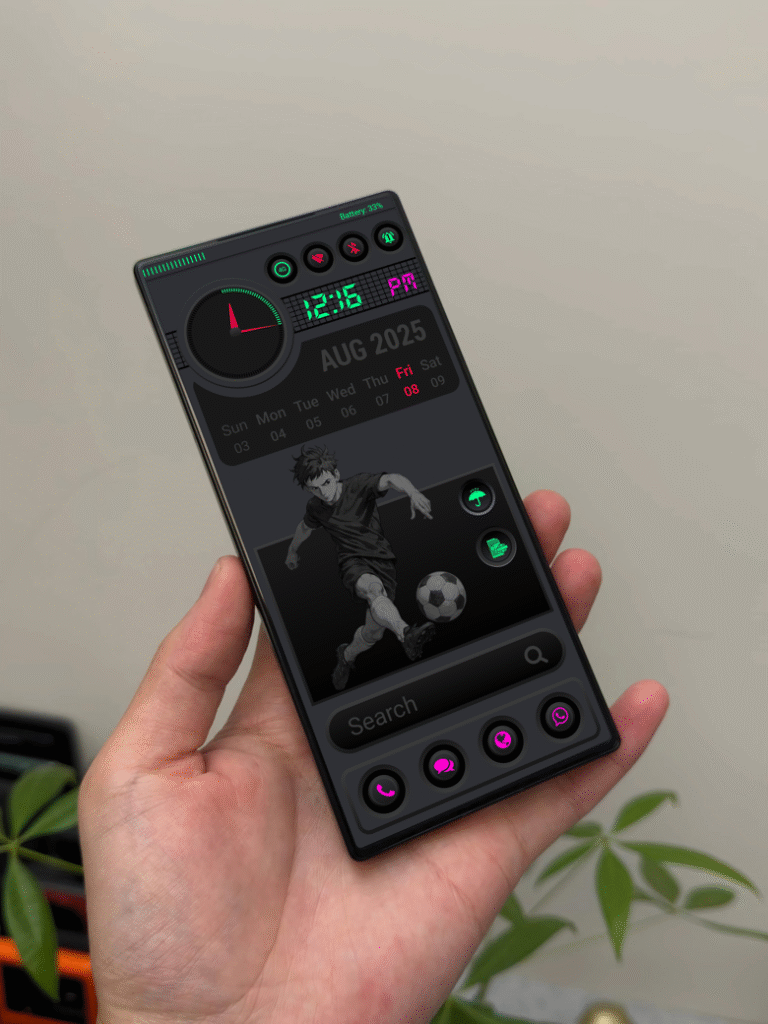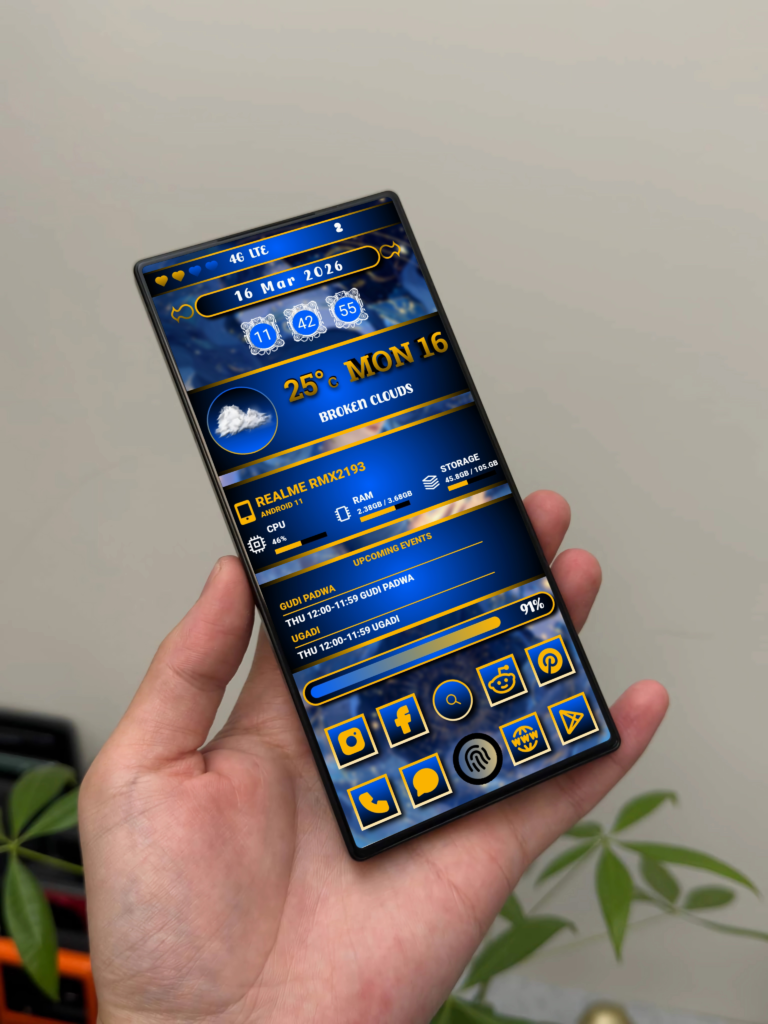
NUMERA UI A Premium Animated KLWP Theme for Modern Android Users

20260218 190928

INTRODUCTION

Android customization is more than just changing wallpapers. It’s about building a complete visual experience.

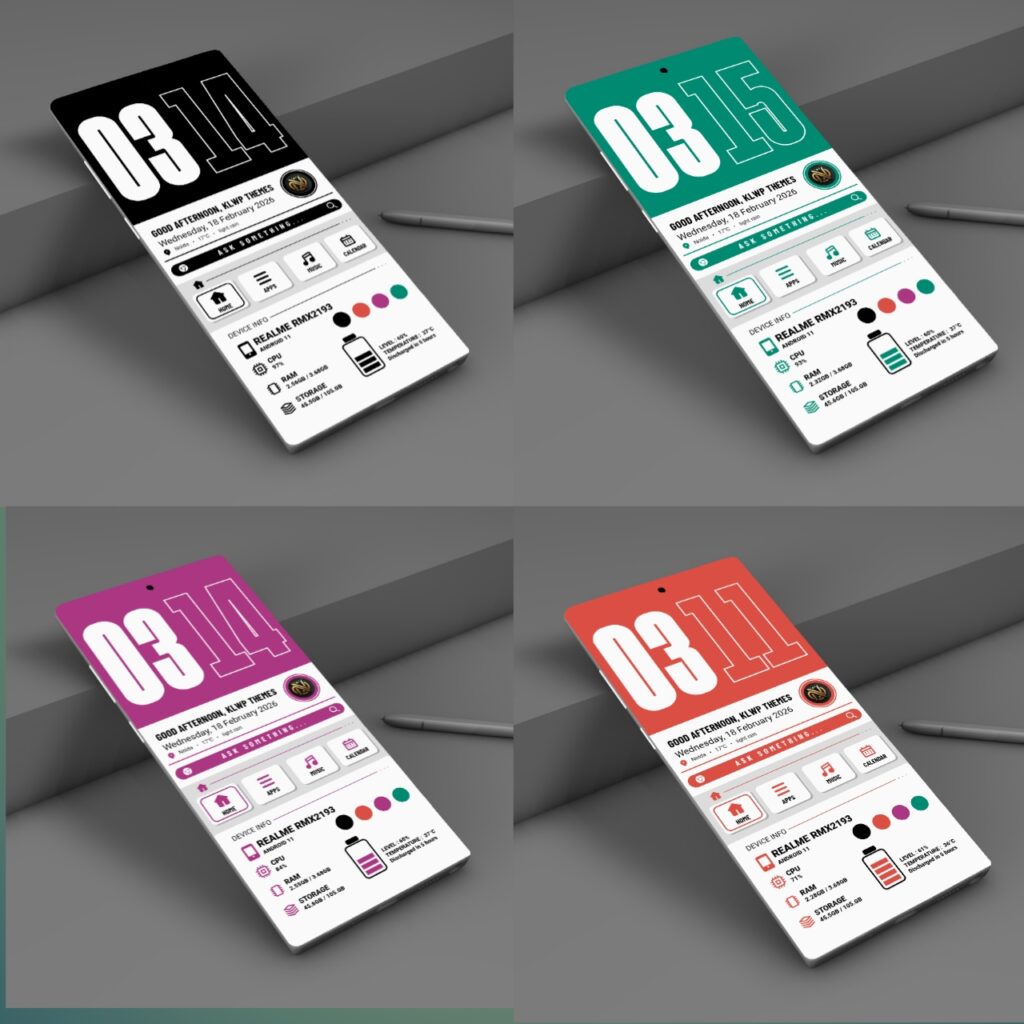
NUMERA UI is a premium KLWP theme designed for users who love bold typography, clean layout structure, and smooth animation transitions.

If you are searching for a minimal yet powerful KLWP setup, this theme delivers both performance and style.

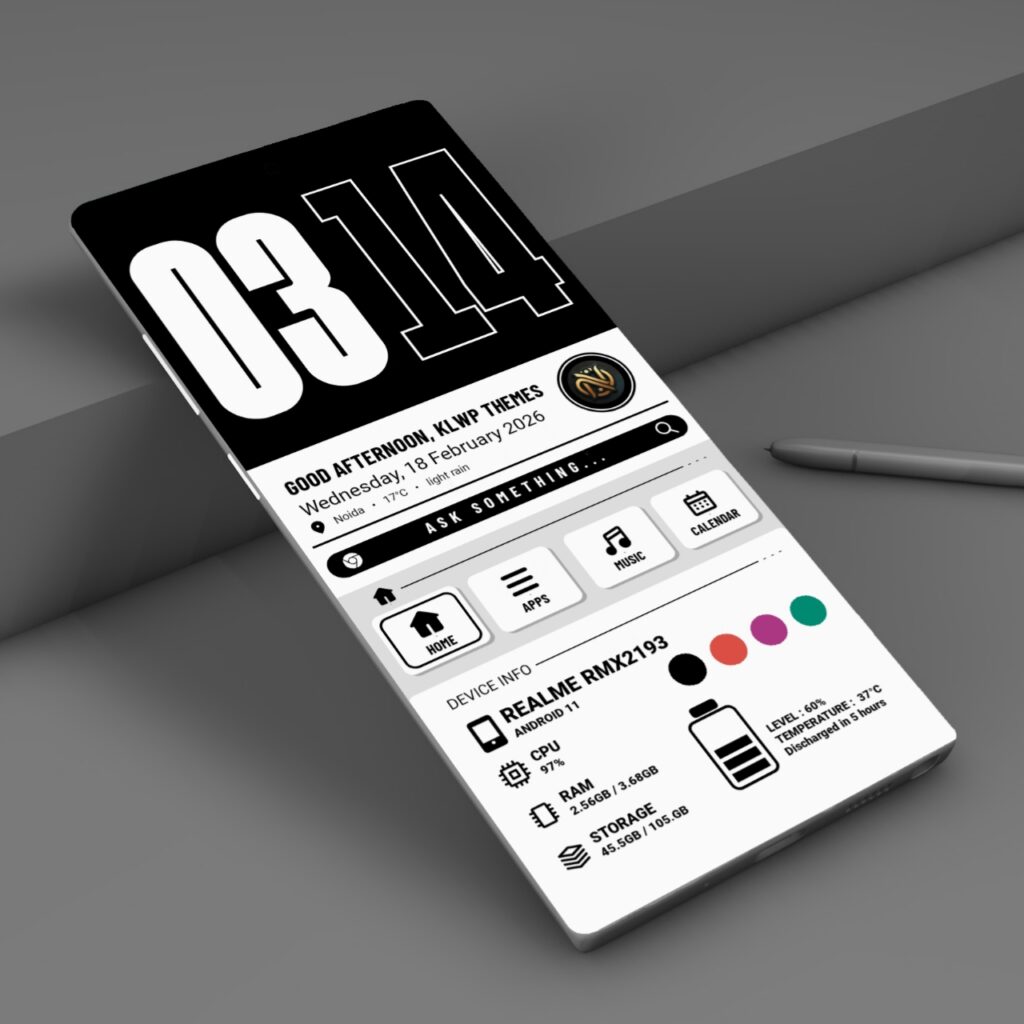
Clean and Bold Home Dashboard

HiShoot 20260218 220206

Key elements on home screen:

  • Large modern digital clock
  • Greeting section
  • Real-time battery and system info
  • Smooth animation effects

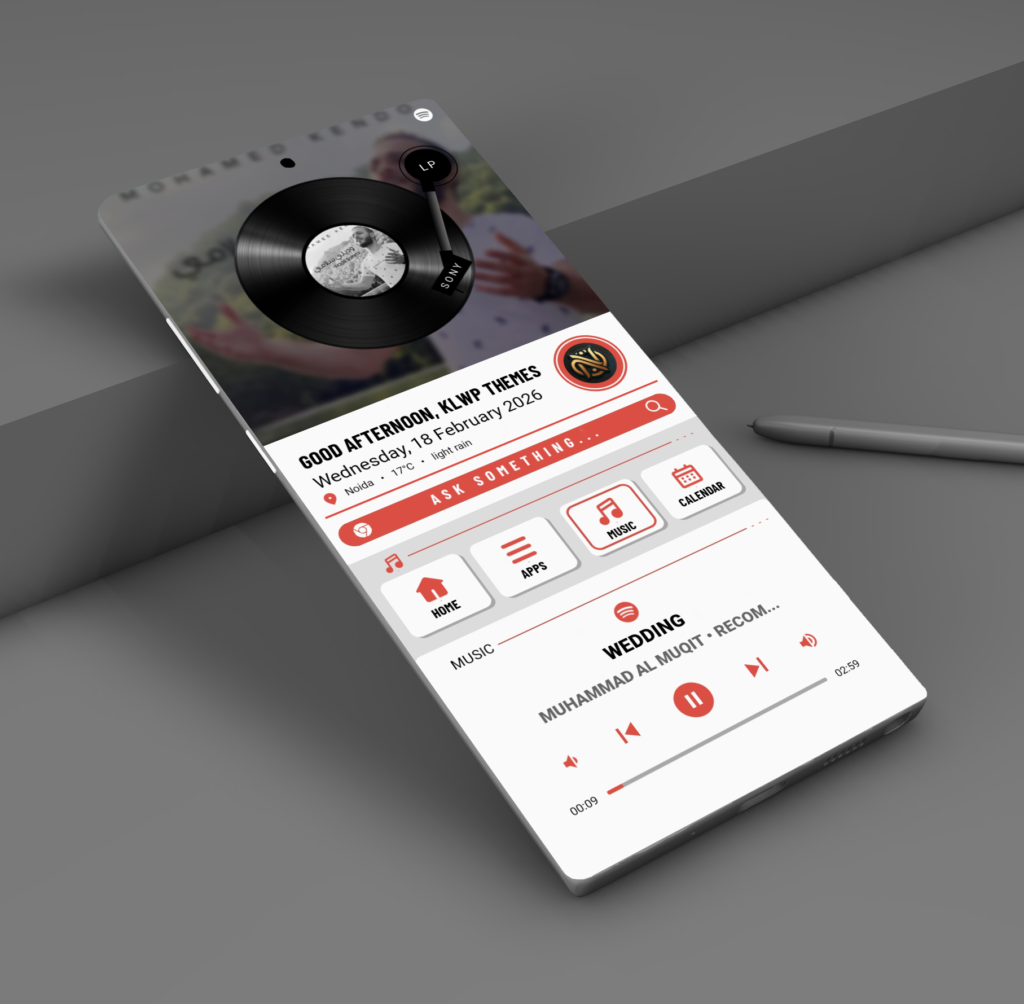
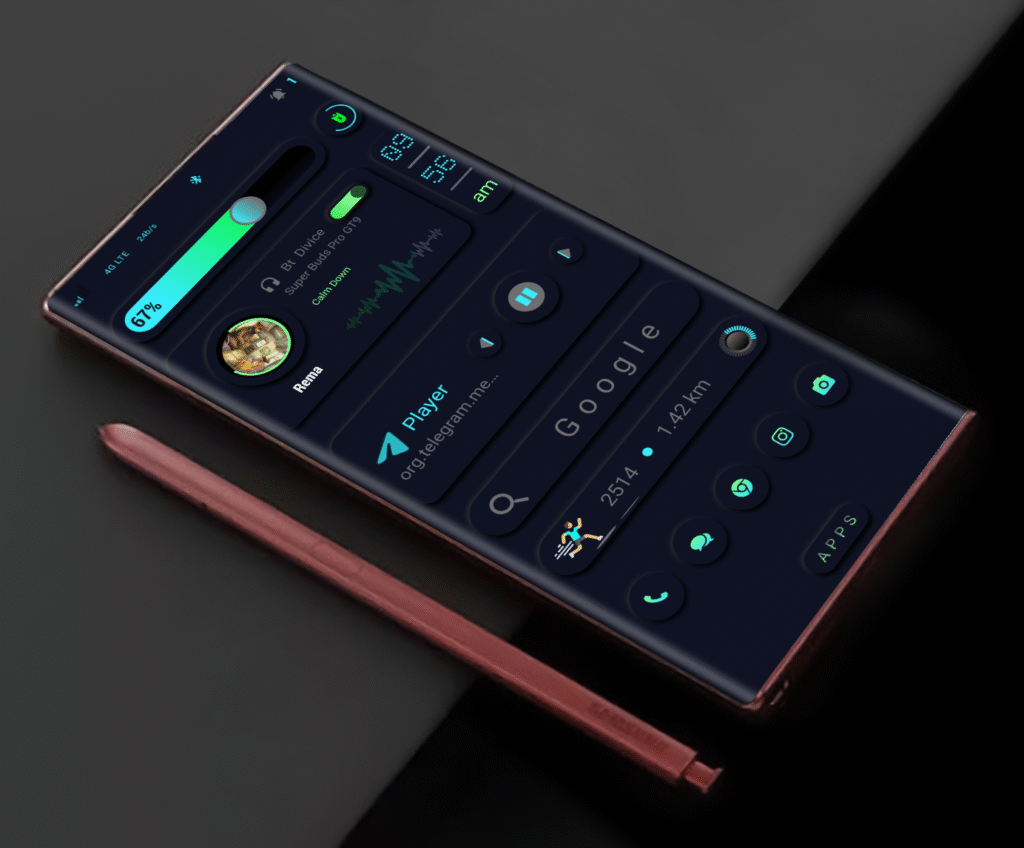
Smooth Music Player Animation

HiShoot 20260218 221516

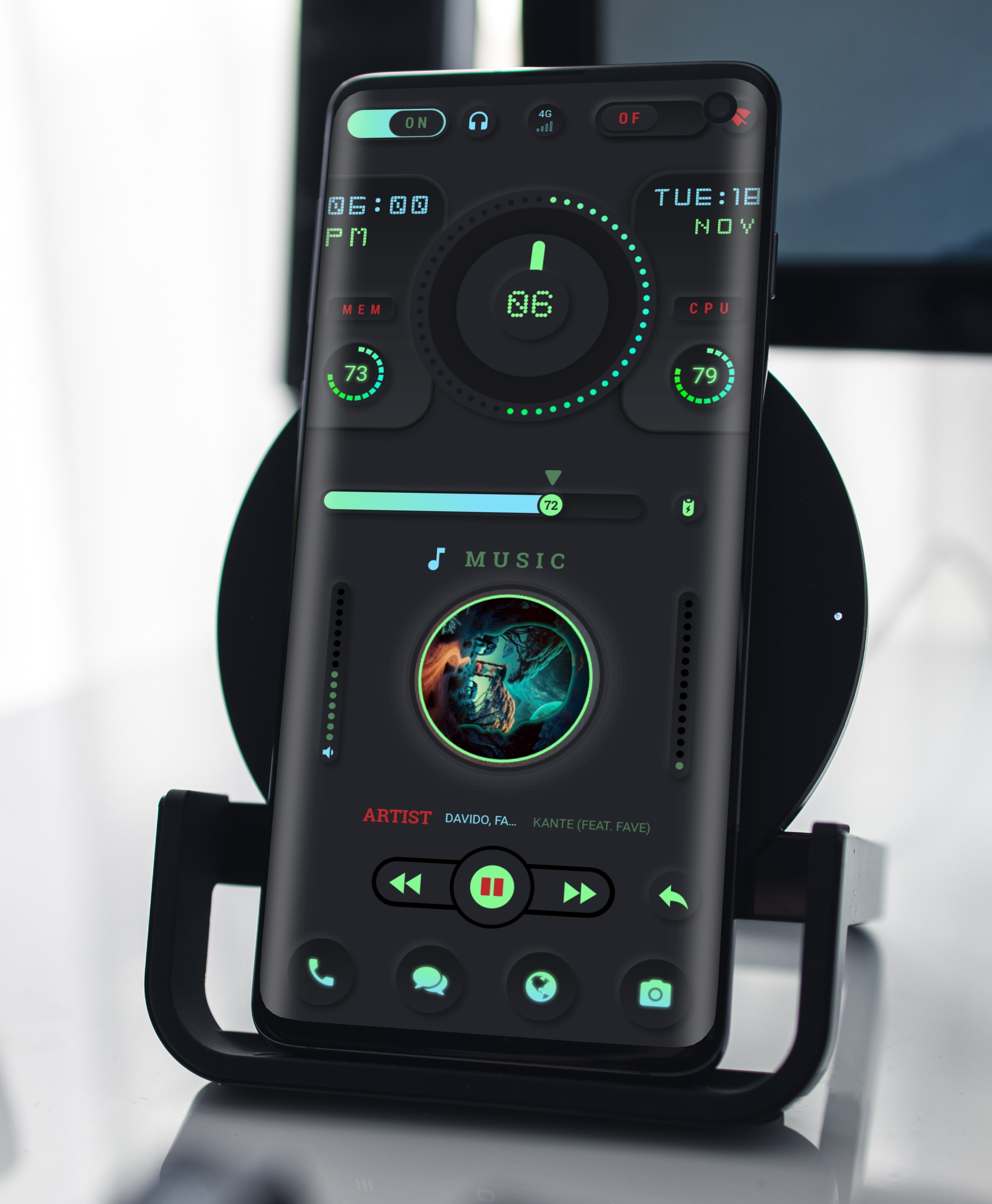
The music section is designed for visual engagement. The rotating vinyl animation creates a premium feel while keeping playback controls accessible.

It supports:

  • Track progress bar
  • Play / Pause controls
  • Album art display

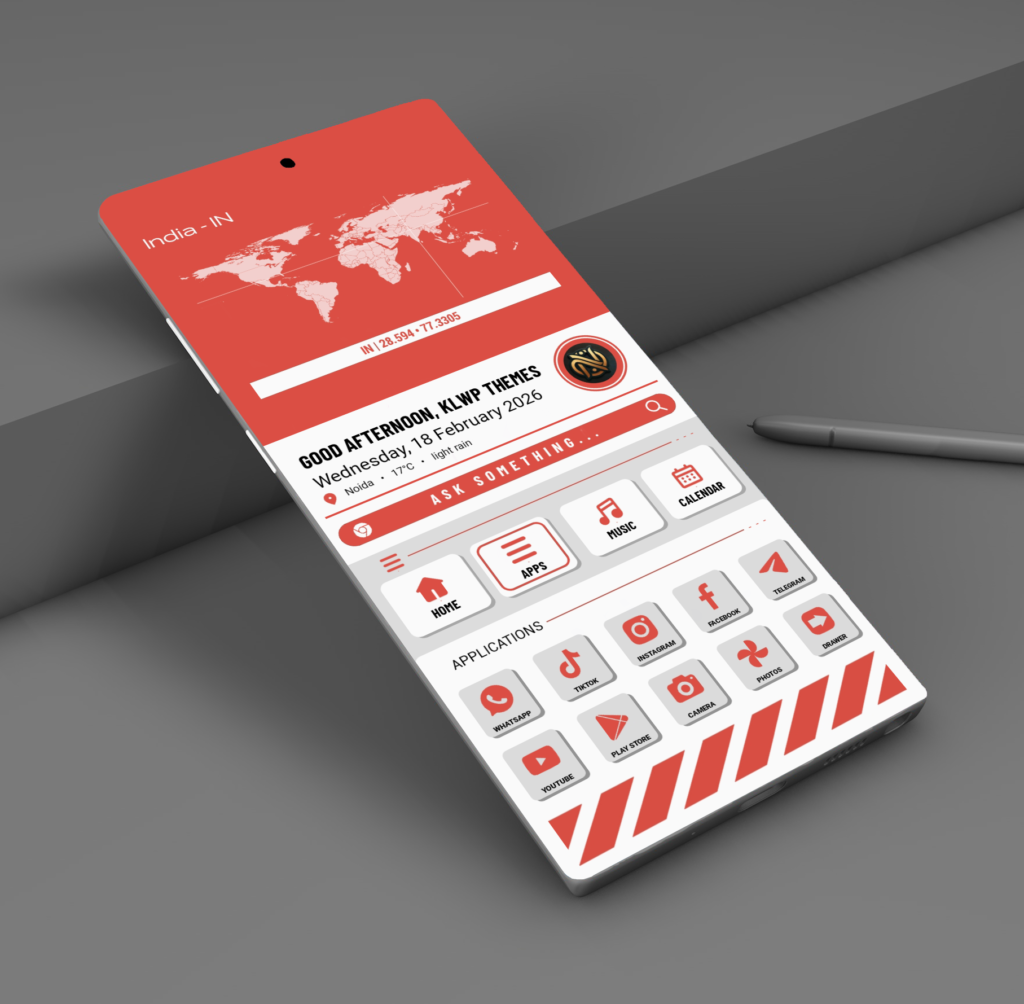
Beautiful Color Variants Included

20260218 222026

NUMERA UI includes four professionally designed color editions:

  • Crimson Red
  • Emerald Green
  • Midnight Black
  • Royal Magenta

You can switch colors easily using Home screen 4 colour options


Performance and Optimization

This theme is optimized for smooth performance and battery efficiency.

Recommended setup

  • KLWP Pro Version
  • Nova Launcher
  • Single home screen configuration

Disabling dock and extra screens ensures the best animation experience.

How to Apply the Theme

  • Install KLWP Pro.
  • Install Nova Launcher.
  • Set Nova to 1 screen and disable dock.
  • Open KLWP → Load Preset → Select NUMERA UI.
  • Save and apply as wallpaper.

Final Thoughts

NUMERA UI is built for users who want a clean, bold, and fully animated KLWP experience. Every section is designed with structure, clarity, and performance in mind.

If you appreciate minimal design with strong visual impact, this theme will transform your Android home screen.

Download NUMERA UI

👉 Download NUMERA UI Premium Theme Here


Requirements Before Download

  • KLWP Pro Version
  • Nova Launcher (Recommended)
  • Single Home Screen Setup

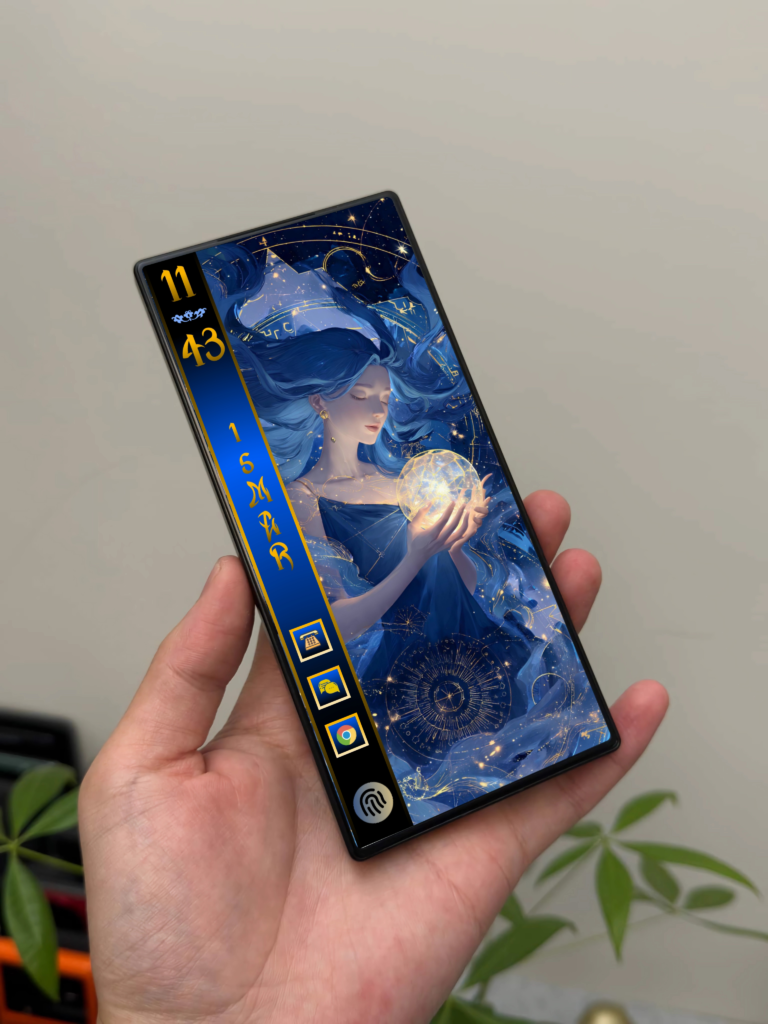
Astra flow KLWP Redefining Android Customization

HiShoot 20260105 213430

Android customization has always been about freedom the freedom to design a device that feels personal, functional, and visually refined. Among the many tools available, KLWP (Kustom Live Wallpaper) stands out as the most powerful platform for creating truly dynamic home screen. Astra flow KLWP is built with this philosophy at its core.

A Design That Balances Style and Function

Astra flow KLWP is not just about visual appeal. Every element is designed with purpose. The layout follows a clean, minimal structure that reduces clutter while keeping essential information easily accessible. Fonts, spacing, and alignment are carefully balanced to create a smooth and premium look across different screen sizes.The theme focuses on clarity and flow—nothing feels forced, and nothing distracts from daily usability.

Maybe you’ll love these KLWP themes

How to apply klwp Themes

Tutorial

Download

Techno Saiyan The Ultimate Futuristic Anime KLWP Theme

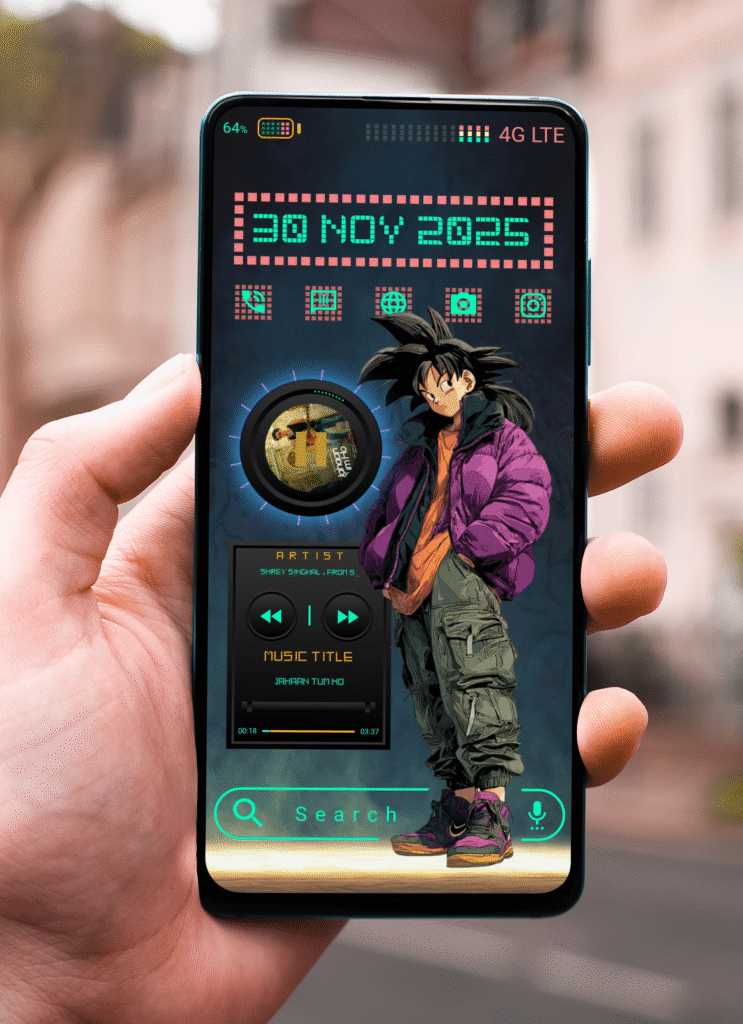
If you love futuristic designs, neon colors, and anime-inspired visuals, Techno Saiyan is the perfect KLWP theme to transform your Android home screen. Designed for users who want bold style with smooth functionality, this theme blends cyberpunk UI, street anime energy, and clean digital widgets into one powerful setup.

What Makes Techno Saiyan Special?

Techno Saiyan isn’t just a theme it’s a full visual experience.With sharp neon elements, glowing grids, and stylish character art, it brings a modern digital world directly onto your phone. The theme includes:

⚡ Futuristic neon UI

🎨 Anime-streetwear character style

📊 Useful widgets (time, date, battery, music, etc.)

🎛️ Smooth animations and minimal transitions

Full customization inside KLWP

Whether you’re a fan of anime aesthetics or simply want a strong cyber design, this theme gives your home screen a powerful Saiyan look.

Read more

Lumi Clock The Future of Time on Your Home Screen

If minimalism and technology had a meeting point, it would look exactly like Lumi Clock klwp Themes.

HiShoot 20251112 153436

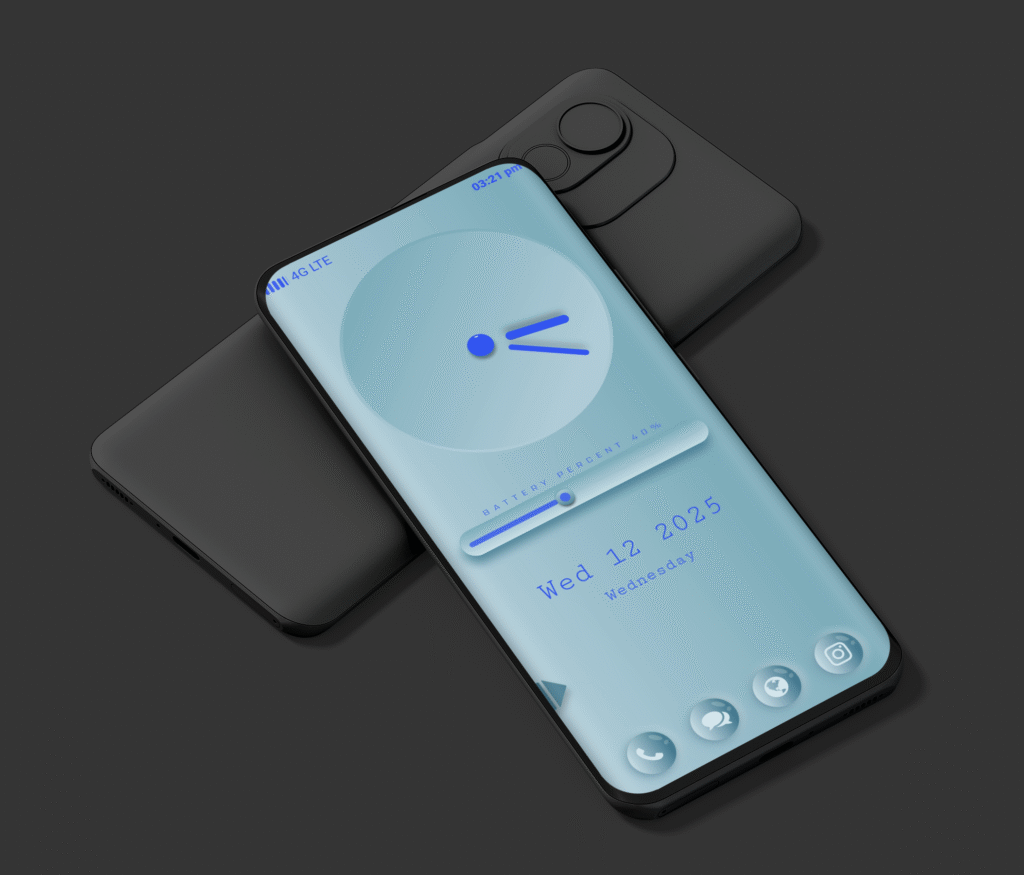
This new KLWP theme redefines simplicity with a futuristic glow. A soft aqua background hosts a luminous analog clock, where blue light guides your eyes across the time. The design language feels calm yet confident smooth gradients, balanced spacing, and modern typography all come together to create a refined, glass-inspired experience.

What makes Lumi Clock klwp Theme special isn’t just its look, but its feeling. It gives your phone a sense of depth and clarity like light passing through crystal water.

⚙️ Key Features of LumiClock

Here’s what makes Lumi Clock stand out from other KLWP themes:

Luminous Analog Clock:A glowing, minimal analog clock with fluid animation that perfectly matches the modern blue tone.

🔋 Battery Progress Bar:A smooth, interactive battery bar that visually indicates your device’s charge level sleek and functional.

📅 Dynamic Date & Weekday Display:Clean typography for the date and day adds a modern yet minimalist touch.

🧊 Frosted Glass Dock Icons:Transparent and blurred icons for Phone, Chat, Browser, and Camera enhance the overall premium aesthetic.

📱 Responsive Layout:Optimized for all major Android screen ratios (18:9, 19.5:9, and 20:9).

🌙 Low Battery Impact:Lightweight animations ensure smooth performance without draining power.

💡 Why Choose Lumi Clock?

In a world where most themes are overcrowded with widgets and visuals, Lumi Clock klwp Theme keeps it simple yet striking.It brings focus back to what truly matters time, clarity, and calm design.

The luminous glow offers a futuristic aesthetic that feels like it’s part of your device’s hardware.No clutter. No chaos. Just a serene flow of light and motion that transforms your home screen into a futuristic clock space.

🛠️ How to Apply LumiClock on Your Device

Requirements

KLWP Pro Key nova Launcher (or any launcher supporting KLWP)

Setup Steps

1.Install and open KLWP.

2. Import the LumiClock.klwp file

3. Set KLWP as your wallpaper.

4. Adjust scale and padding if needed (depending on your screen size).

More details visit (Tutorial)

Download Lumi Clock

Lumi Clock is available exclusively on Ko-fi Store designed and shared by Nova Setup.Each download supports independent creators and encourages the continued development of creative KLWP designs.

Midnight Aura Klwp Theme

1000022258

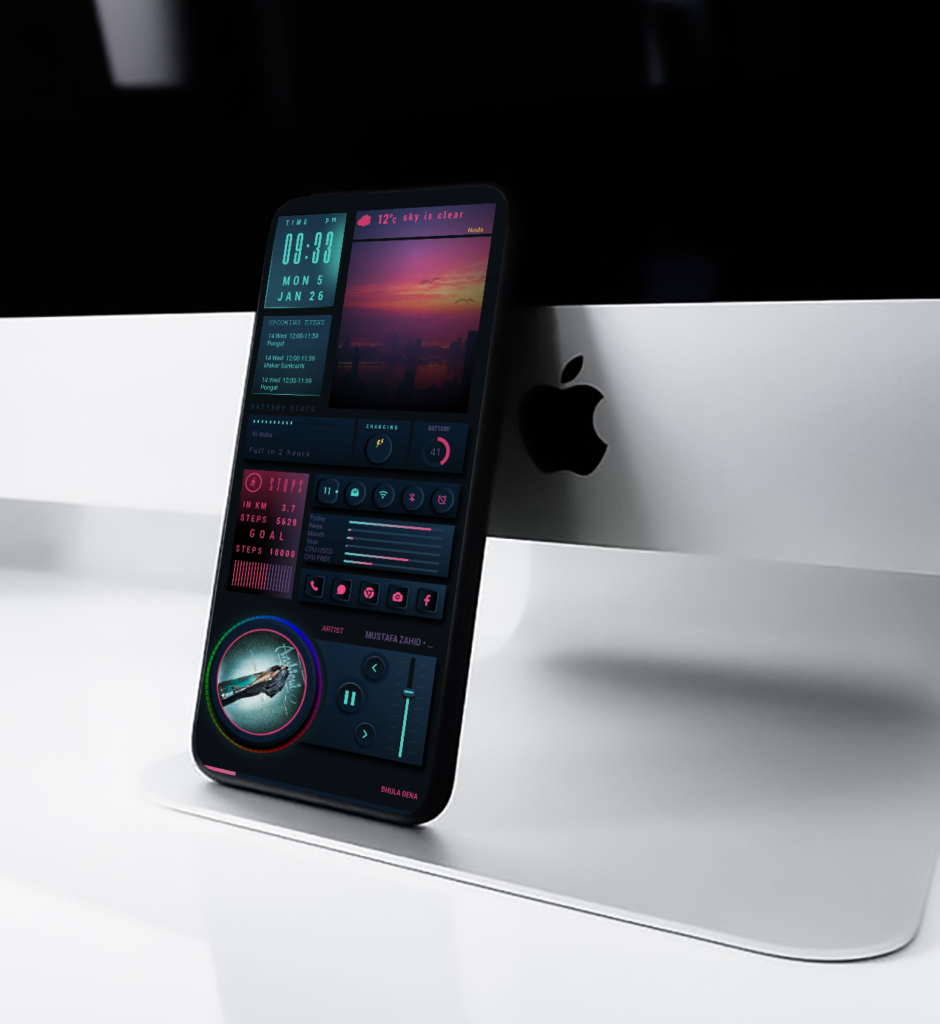
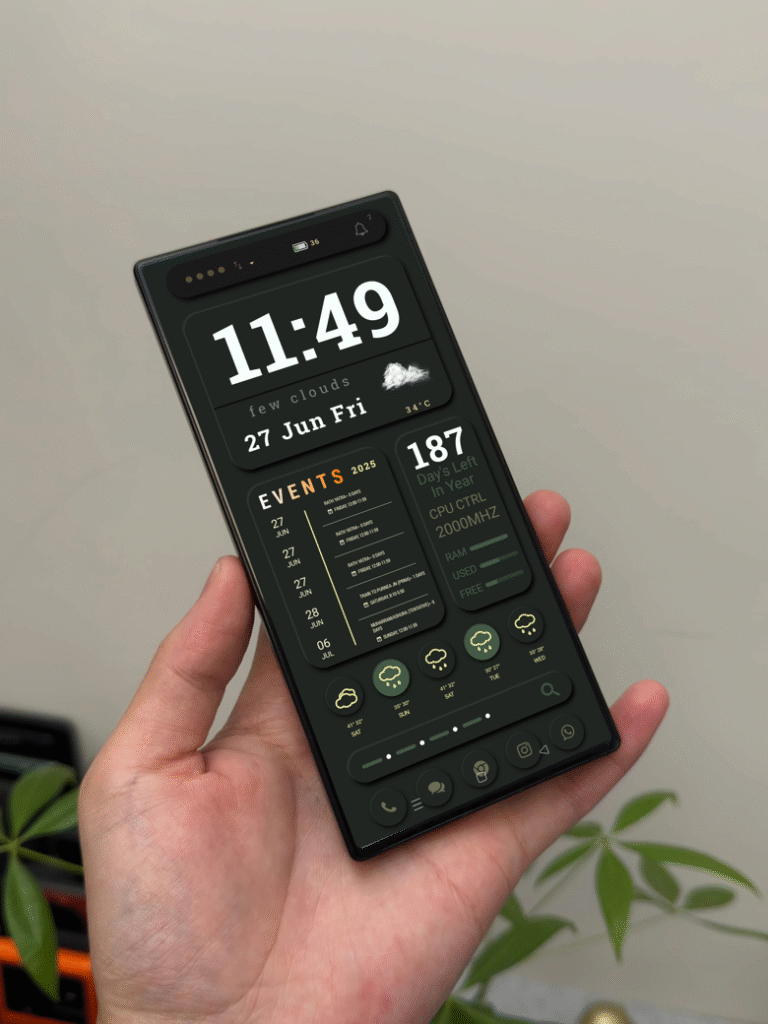
Experience the elegance of the night with Midnight Aura, a beautifully crafted KLWP theme designed to transform your Android home screen into a sleek, intelligent dashboard. With its dark minimal aesthetic, this setup blends functionality and modern design, perfect for users who appreciate both style and efficiency

Key Features

🕒 Dynamic Clock & Date .Stay updated at a glance with a clean and bold digital clock and date layout. The typography is crisp and easy to read, ensuring your essential info stands out against the dark background

☁️ Real Time Weather Info. Get accurate weather updates directly on your home screen. The theme displays real time conditions, temperature, and a 4-day forecast all presented in a subtle and elegant design.

📅 Event Tracker.Never miss an important day again. Midnight Aura includes a calendar events section that syncs with your schedule, showing upcoming dates in a tidy list format for quick access.

⚙️ System Stats Widget .Monitor your phone’s performance effortlessly. See live updates for RAM usage, CPU frequency, and battery level, all integrated neatly within the design.

Fully Customizable

From font styles to accent colors every element of Midnight Aura can be personalized to match your preference. Whether you want a futuristic look or a soft minimalist vibe, this setup adapts to your style.

💡 Why You’ll Love Midnight Aura

This KLWP setup isn’t just a wallpaper it’s a complete home screen experience. Every widget is placed with precision to offer balance, readability, and a touch of sophistication. The combination of smooth animations, dark tones, and functional widgets makes it both beautiful and practical.


🎥 How to Apply This Theme

Want to set up Midnight Aura on your device?Follow this simple step-by-step tutorial to get the perfect look:

👉 Click Here for the Full Tutorial

Get this Theme (download)

Neon Core UI KLWP Theme

NeonCore UI – 3-Page KLWP Theme

If you’re looking to give your phone a fresh, futuristic look, the NeonCore UI KLWP theme is just what you need. It’s a 3-page setup packed with clean animations, glowing neon details, and a layout that feels both modern and minimal.

This theme is all about style and simplicity — it looks advanced but stays smooth and easy to use. Whether you’re a tech lover or just someone who enjoys neat home screens, NeonCore UI will make your setup stand out instantly.

What’s Inside

1. Home Screen Your main screen comes alive with an animated digital clock, a monthly calendar, and quick app shortcuts — all glowing in vibrant neon colors. The dark background gives it a sleek sci-fi feel that’s perfect for AMOLED displays.

2. Weather Dashboard Swipe over to check the weather with smooth transitions and clear icons. It’s designed to give you all the details you need — temperature, conditions, and forecasts — without cluttering the screen.

3. News Feed Page The final page keeps you updated with the latest headlines. It’s built to look clean and minimal, so you can scroll through news cards without any distractions.

Features You’ll Love

Smooth 3-page animated layout,Bright neon highlights and glowing effects,Fast and fluid performance,Works great with dark mode,Fully customizable – change colors, icons, or layout easily,Designed especially for (Nova Launcher)

📱 How to Set It Up

1. Install KLWP Live Wallpaper and the Pro Key from the Play Store.

2. Install Nova Launcher and set it to 3 home screens.

3. Open KLWP → Load Preset → Select NeonCore UI.

4. Tap “Save” and set it as your wallpaper.

For more details.How to apply (Here)

💬 Final Thoughts

NeonCore UI is a theme made for those who love a tech-inspired, glowing aesthetic. It’s fast, functional, and absolutely beautiful to look at. Once you set it up, you’ll probably catch yourself staring at your home screen more often than usual.

So go ahead — give your phone a NeonCore makeover and enjoy that perfect mix of technology and art.