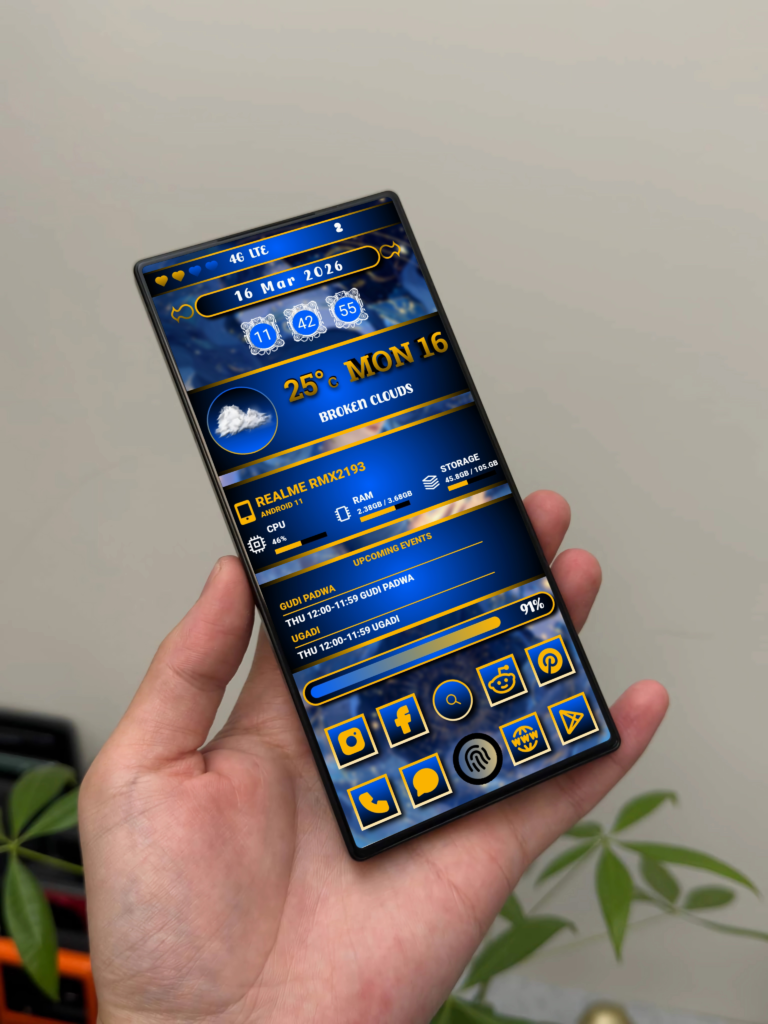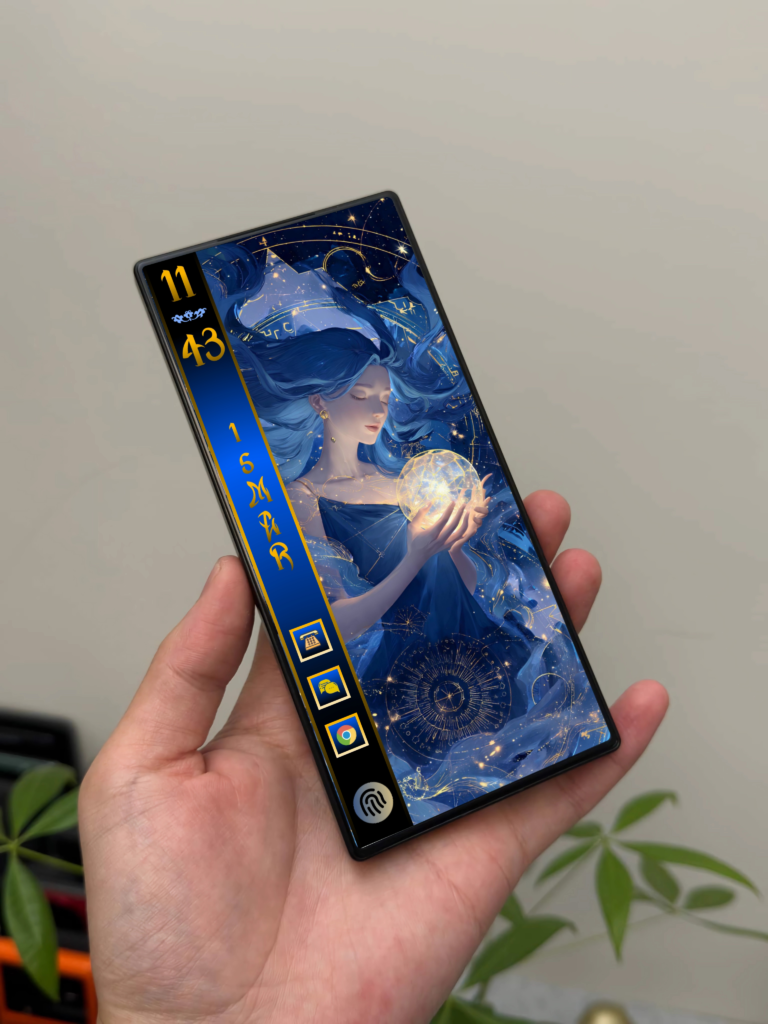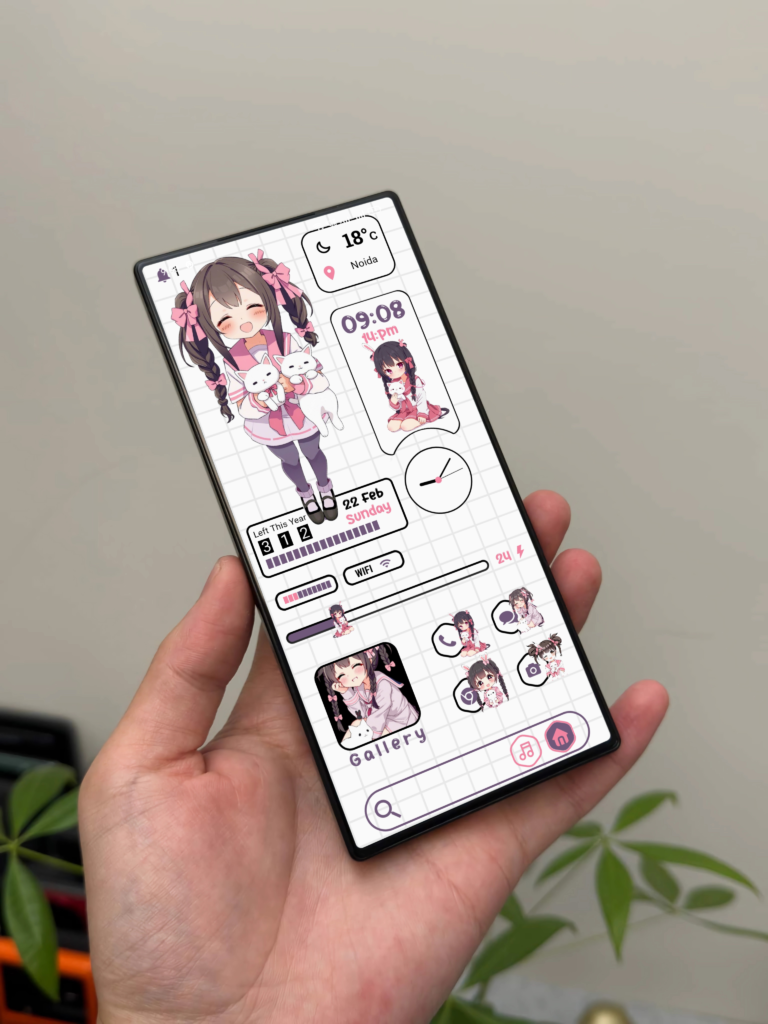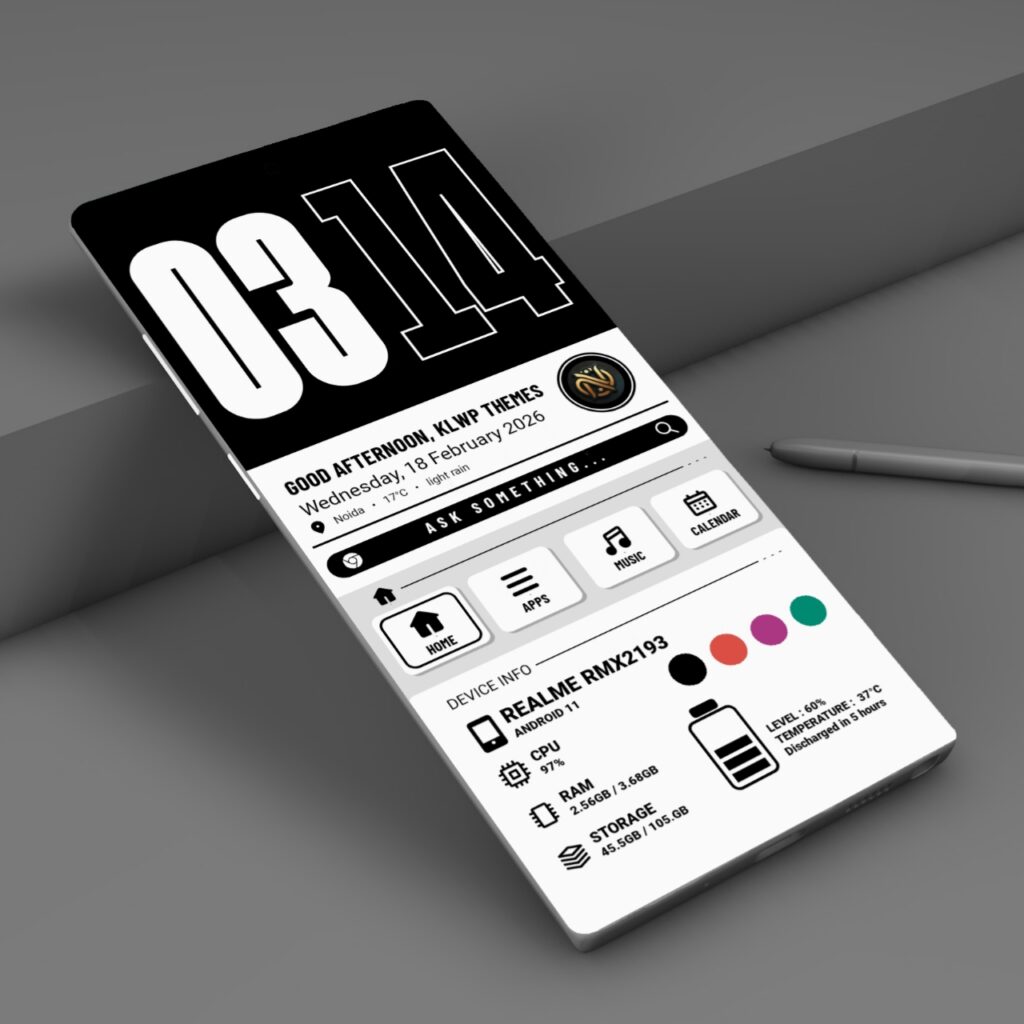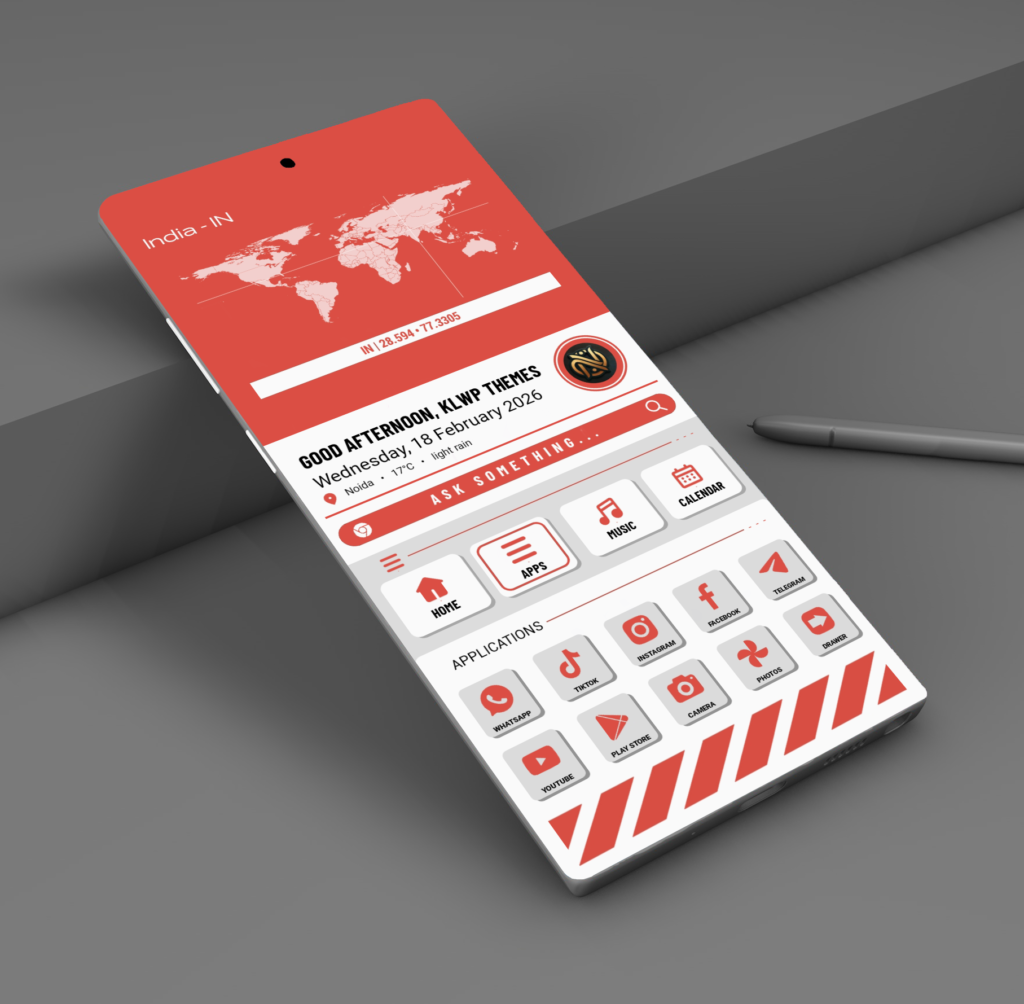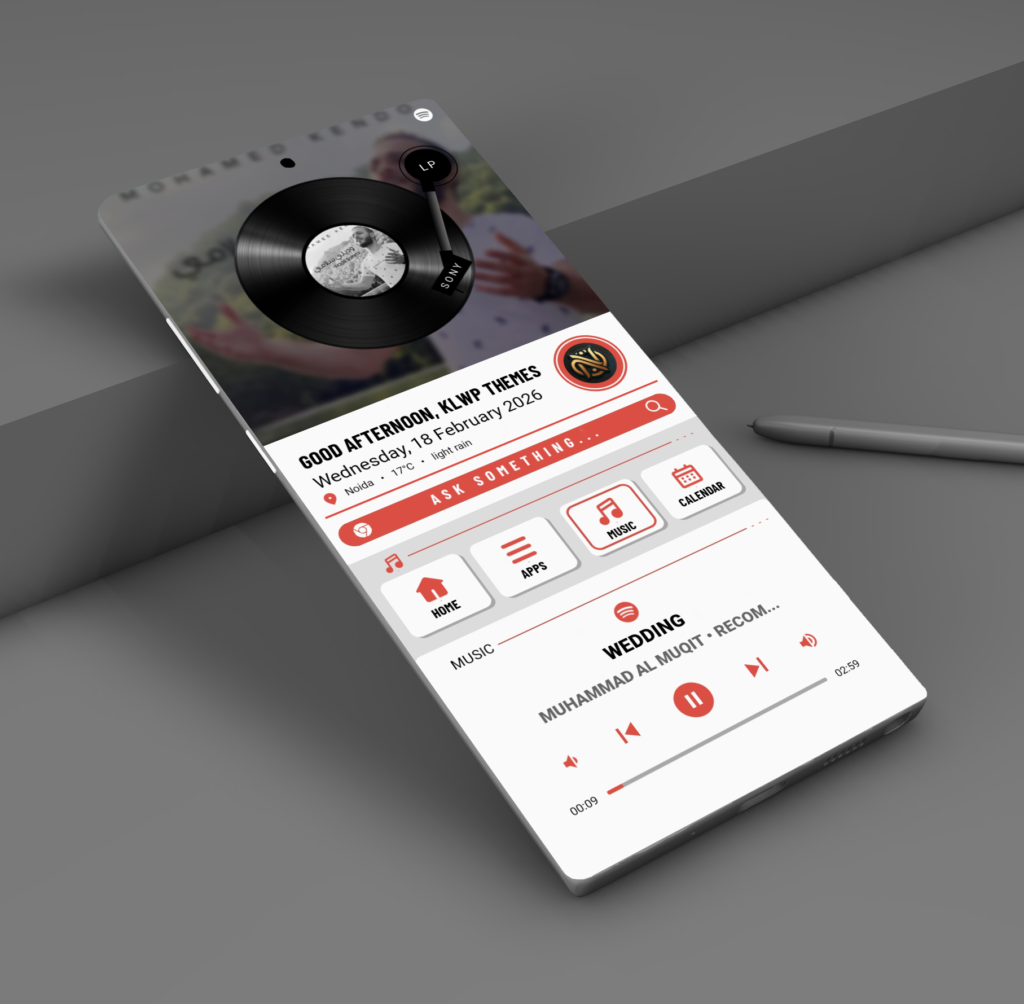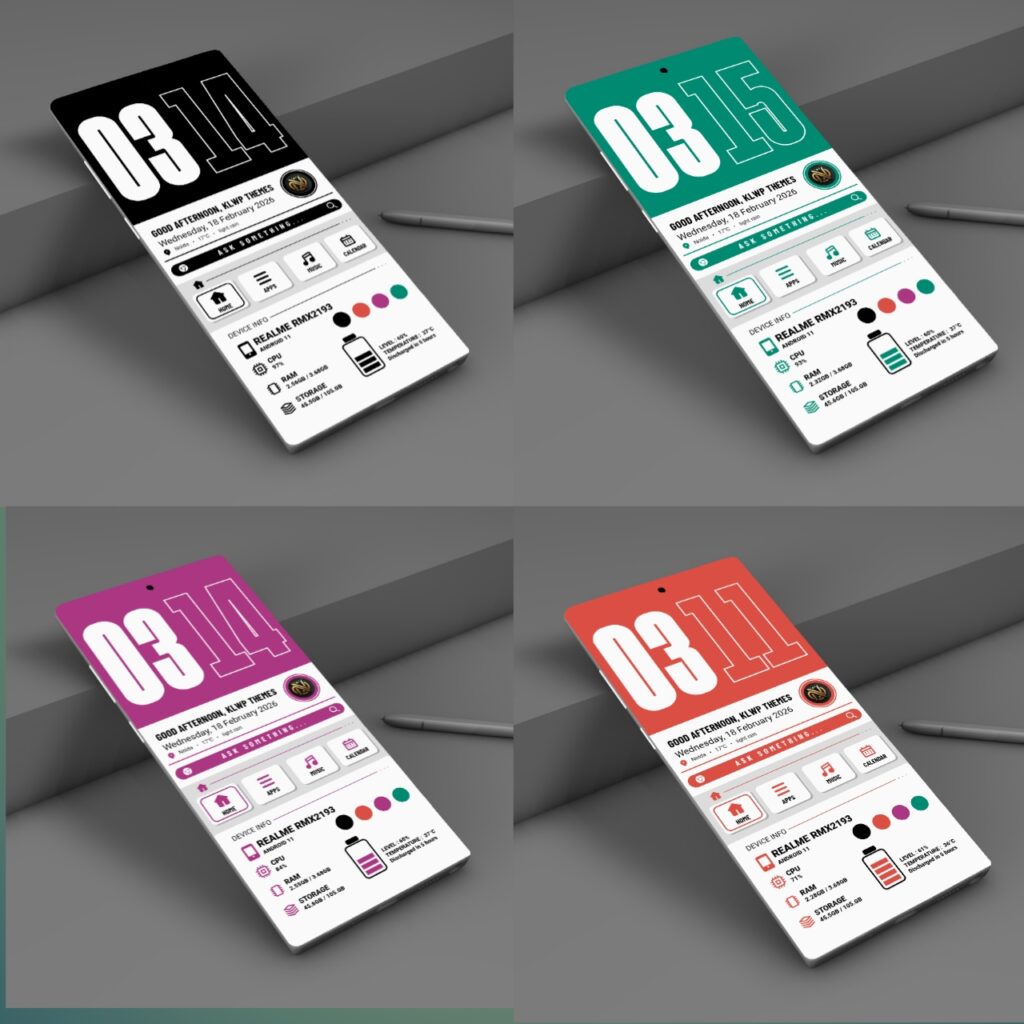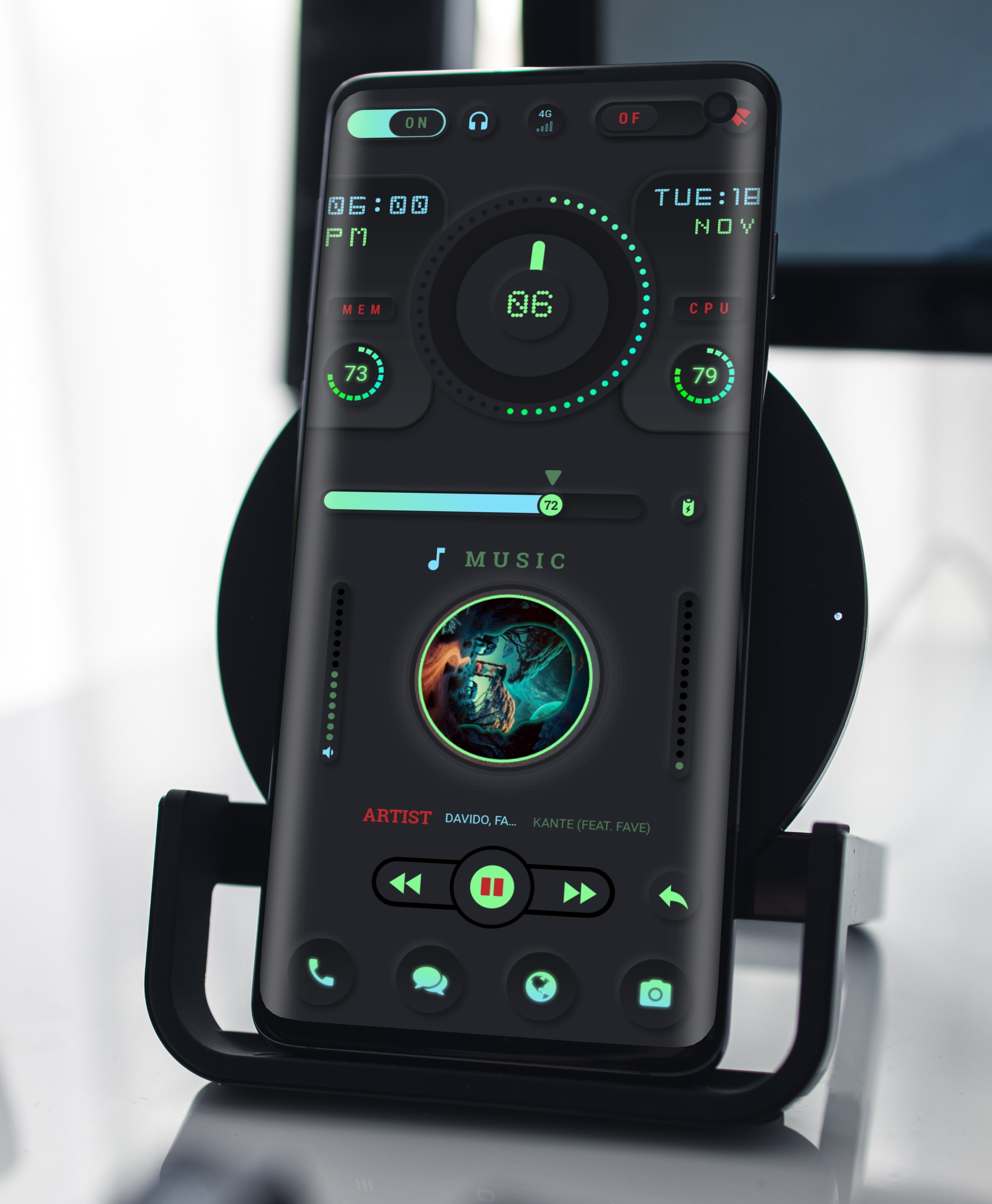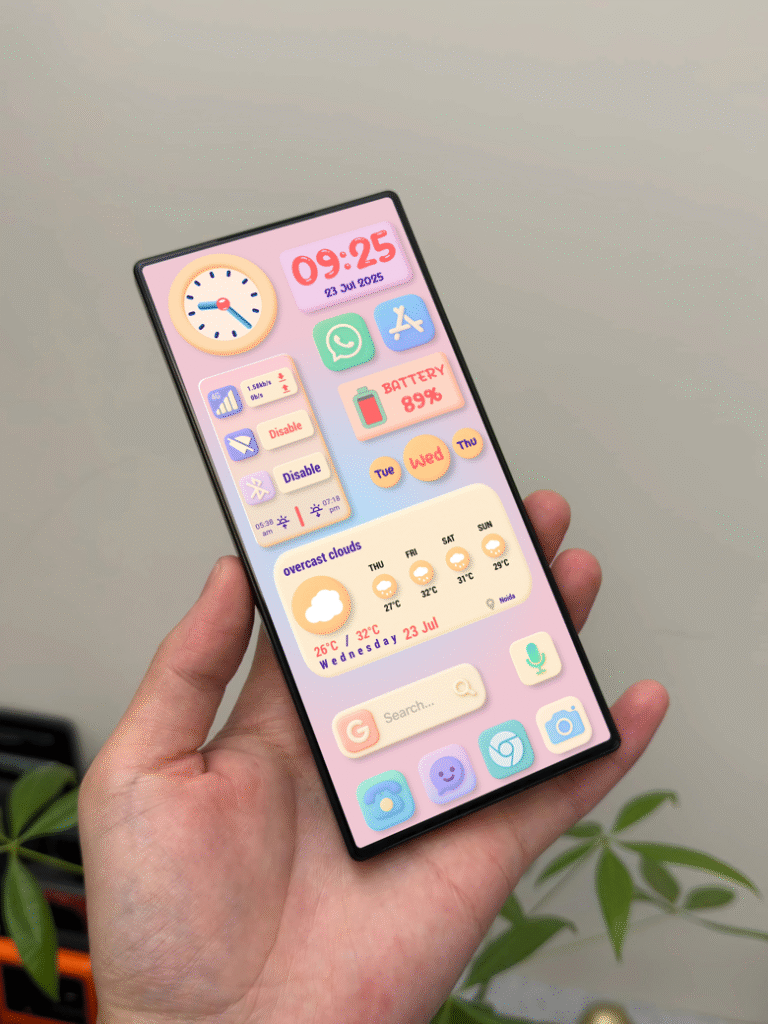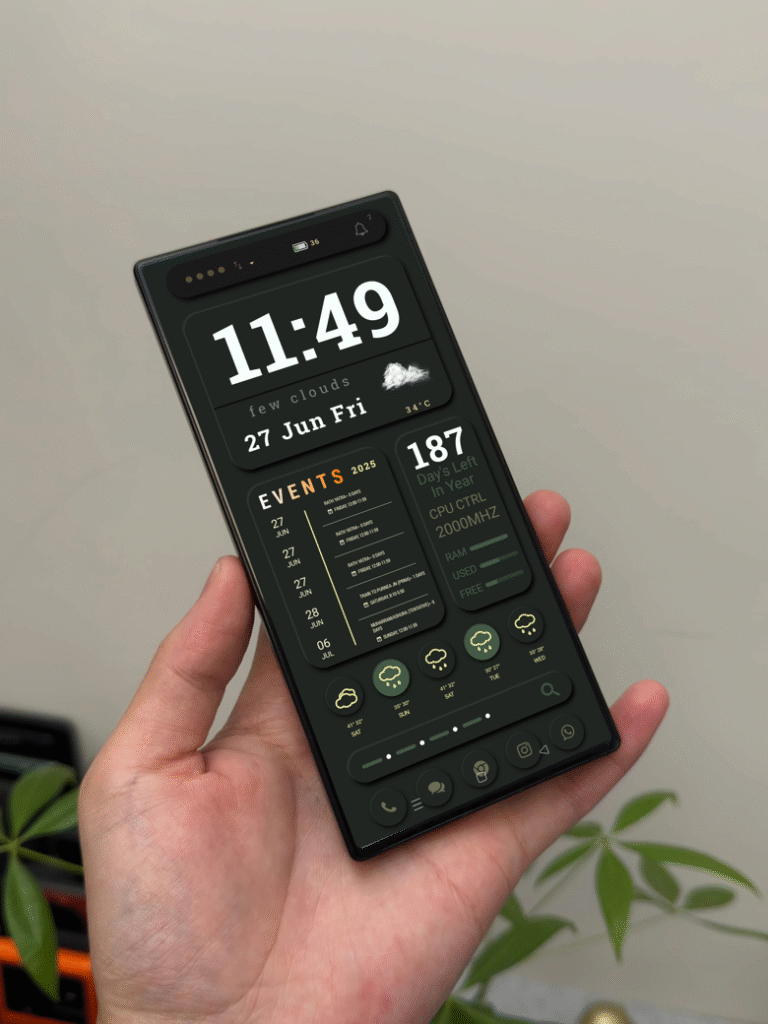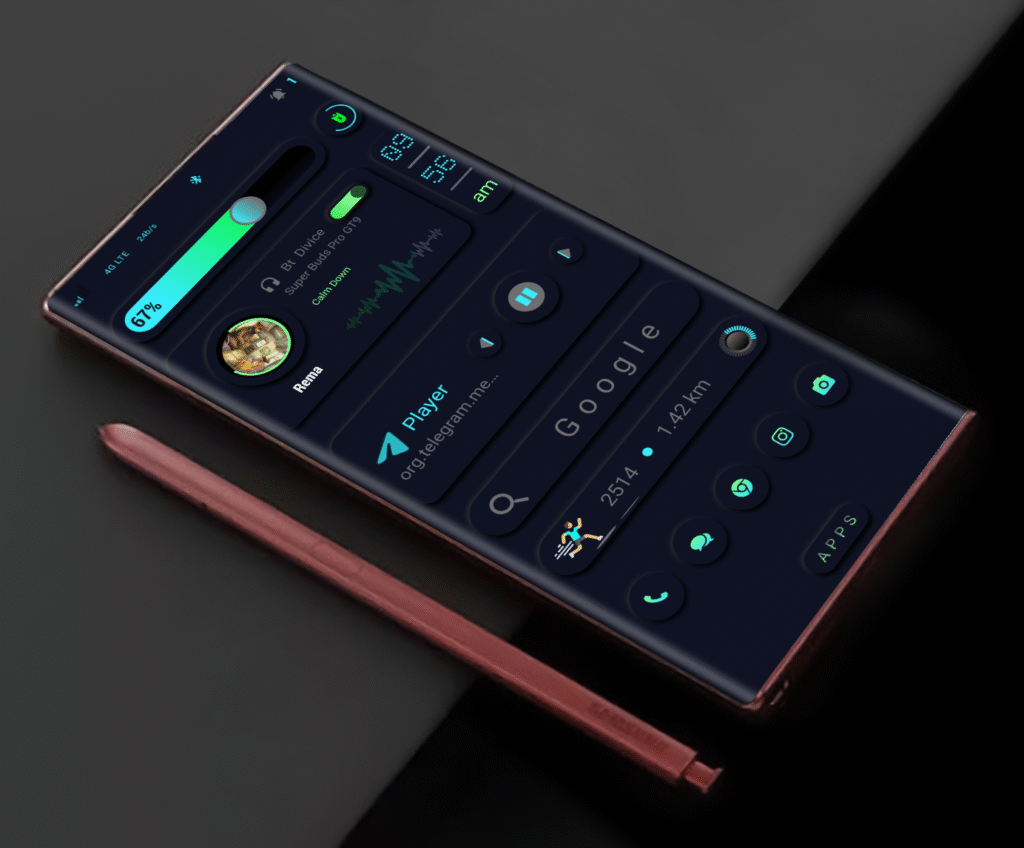
In the world of Android customization, a truly good theme does more than decorate your screen. It creates a complete visual experience. Mono Peel KLWP is designed for users who appreciate clean structure, bold typography, and a modern monochrome aesthetic. With its striking peel-style layout and minimal information design, this theme gives your home screen a premium identity that feels both artistic and functional.
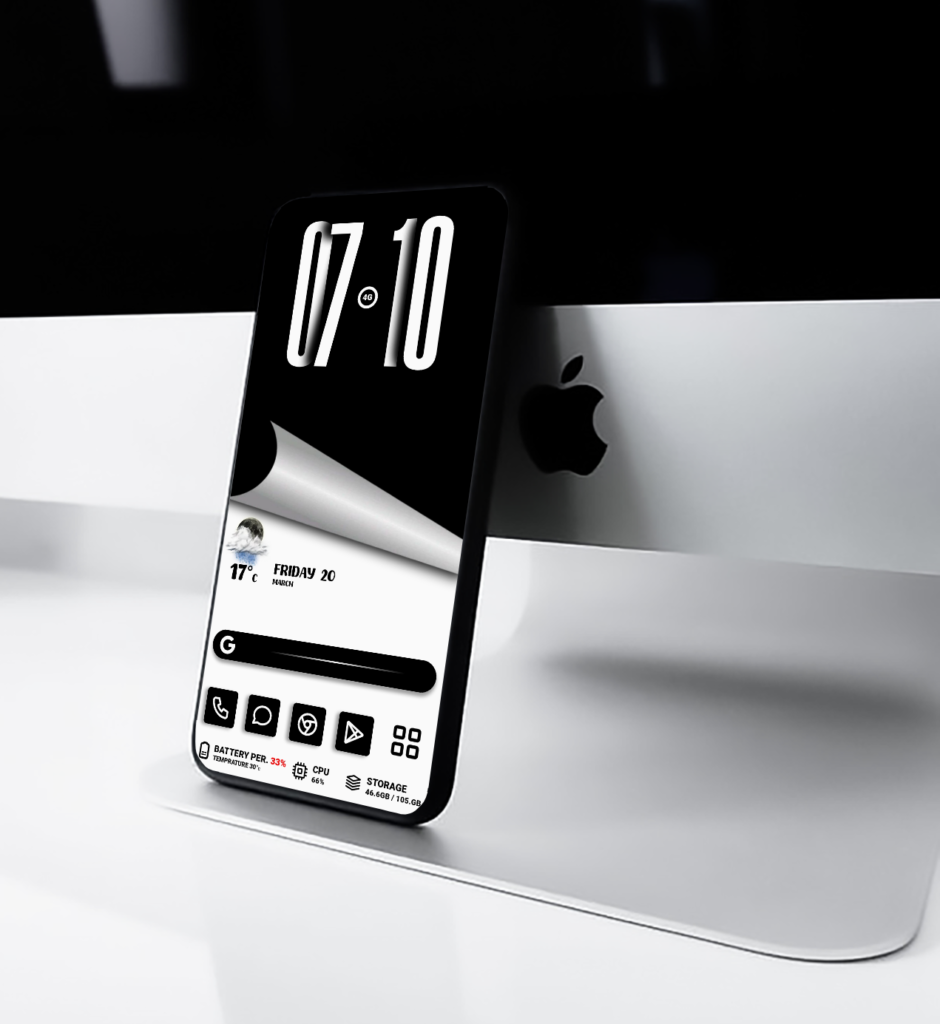
What makes Mono Peel stand out immediately is its unique page-peel inspired design. Instead of using a standard flat interface, this theme adds a folded visual effect that gives the screen depth and character. The result is a home screen that feels dynamic without becoming messy. It captures attention at first glance while still preserving the simplicity that minimal theme lovers look for.
The theme is built around a black and white color palette, which gives it a timeless and elegant appearance. Monochrome designs remain one of the strongest choices for users who want a sophisticated setup. Black adds depth and power, while white keeps the layout fresh, clean, and readable. This balance makes Mono Peel suitable for both everyday use and showcase-style home screen setups.
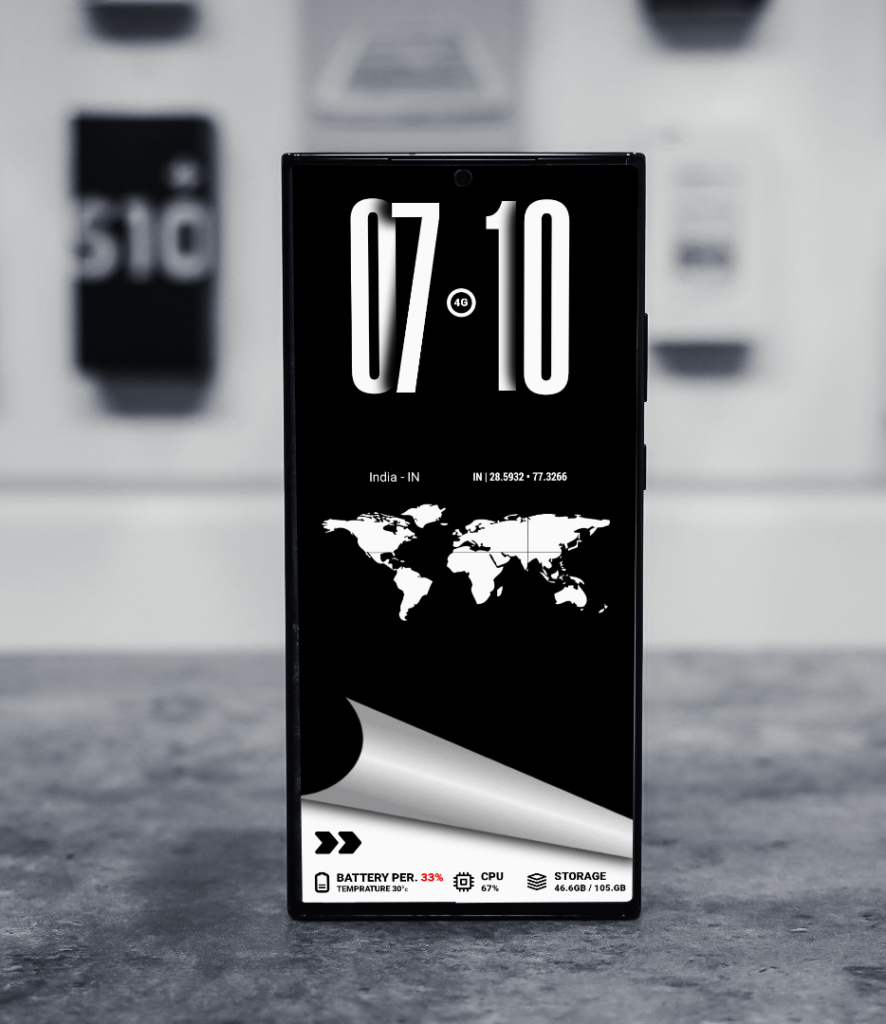
Another major highlight is the bold digital clock placement. Large typography instantly becomes the centerpiece of the layout, creating a strong visual anchor at the top of the screen. This not only improves readability but also enhances the premium aesthetic of the entire setup. The clock feels modern, sharp, and purposeful, helping the home screen look polished and organized.
Beyond looks, Mono Peel KLWP is also created with practical usability in mind. Important information such as weather, battery percentage, CPU usage, storage details, and app shortcuts are arranged carefully in the lower section. Each element is easy to access and visually balanced, allowing users to enjoy a clean interface without losing functionality. The layout stays informative without overwhelming the screen.
This theme is especially suited for Android users who enjoy minimal customization with a futuristic touch. It offers a strong visual identity while remaining versatile enough for daily use. Whether you prefer a sleek business-like setup or simply want your phone to feel modern and premium, Mono Peel delivers a refined experience that stands apart from ordinary themes.
One of the most appealing parts of this design is its structured contrast. The darker upper section and bright lower section work together beautifully, while the peel transition creates a smooth visual connection between both areas. This contrast gives the theme energy and style, making the screen feel more alive without relying on too many colors or effects.
Mono Peel KLWP is not just another home screen theme. It is a design statement for users who value clarity, simplicity, and originality. Every part of the setup is crafted to create a clean, stylish, and futuristic interface that transforms the everyday Android experience into something more premium.
If you are looking for a KLWP theme that combines minimalism, creativity, and strong modern design, Mono Peel KLWP is an excellent choice. It gives your device a bold monochrome personality while keeping everything elegant, practical, and visually satisfying.
Requirements
KLWP Pro app Compatible Android Launcher recommended screen Setup required supported apps, if mentioned in the product details
Notes
Colors, widgets, or layout may look slightly different depending on your device resolution and launcher settings.Make sure all required permissions are enabled for weather, storage, and system info to work correctly.
Download klwp Themes