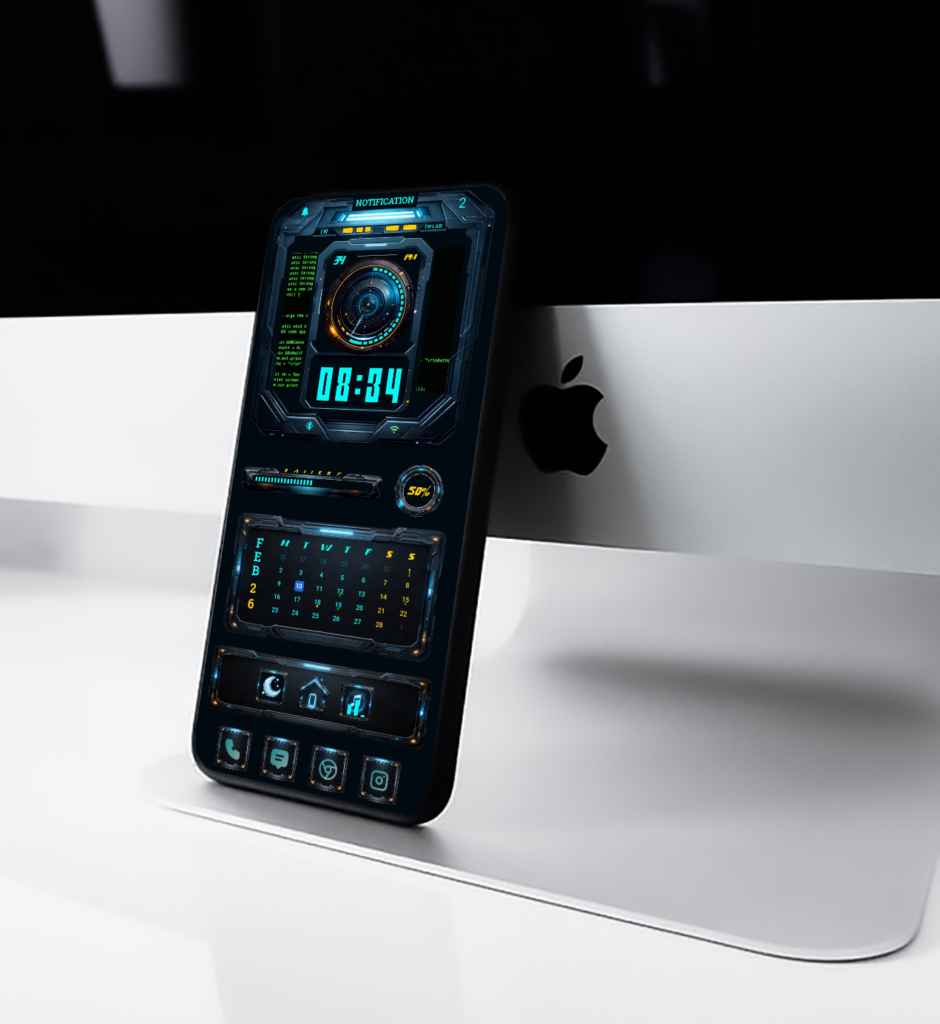
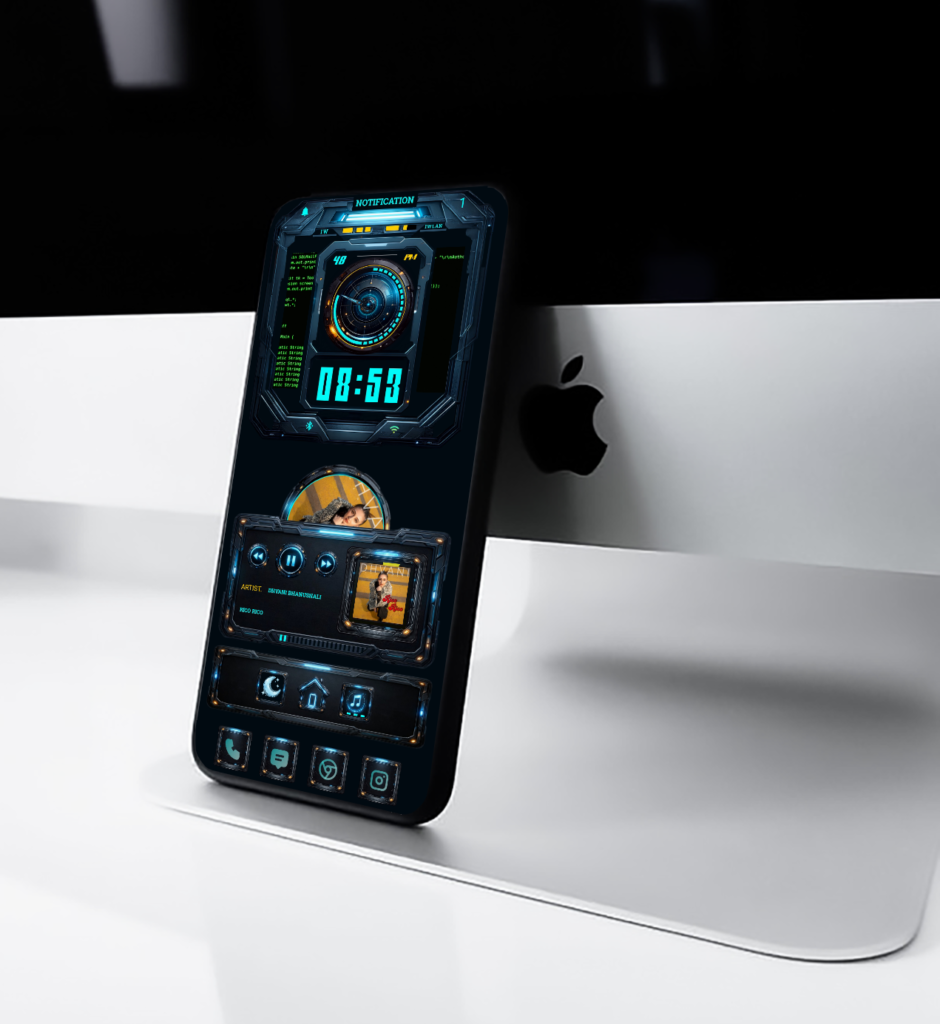
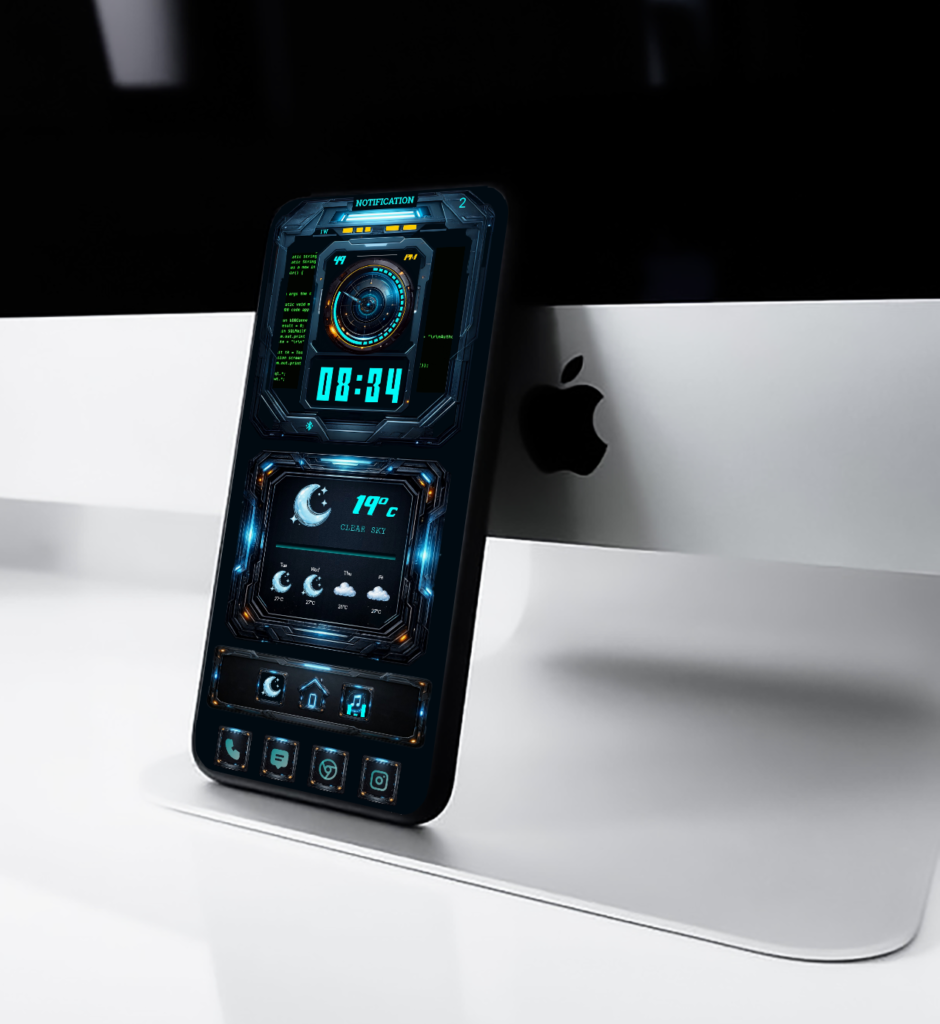
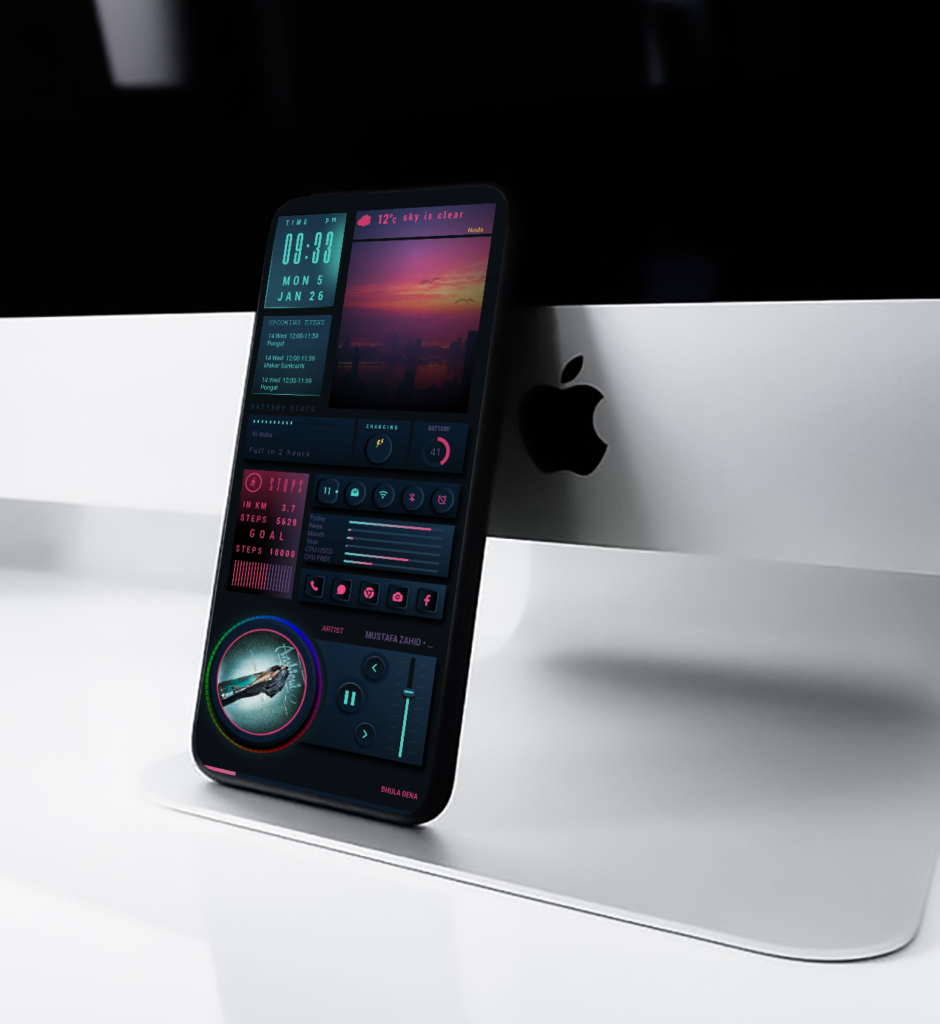
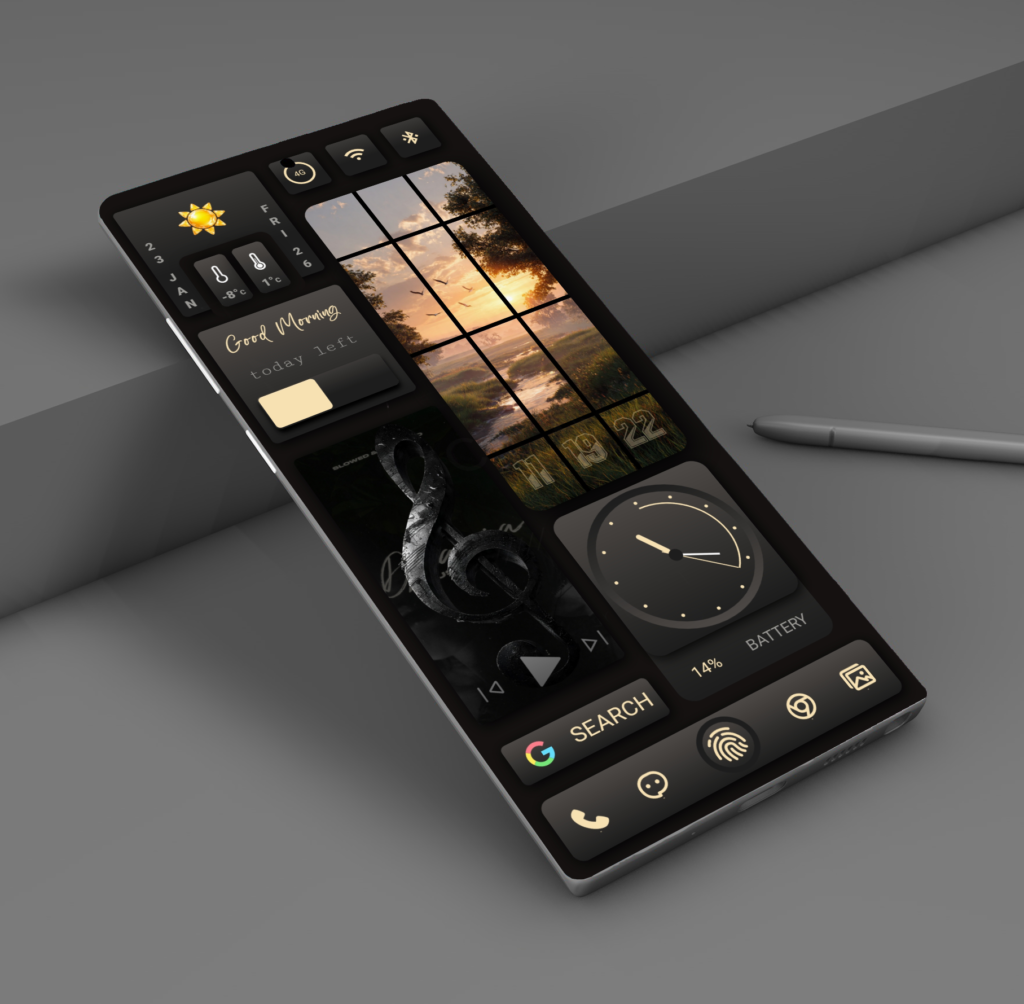
Quantum HUD X is a 3-page animated KLWP theme designed for users who love futuristic and clean home screen setups. The idea behind this theme was simple: create something that feels powerful, smooth, and visually striking without being cluttered.
Each page has its own purpose. The main screen focuses on time and notifications with a bold HUD clock. The second page gives you weather, battery, and calendar information at a glance, while the third page is built around music control with fluid animations and a cyber-style layout.
All animations are smooth and balanced, made to feel fast but calm. Colors are kept dark with neon highlights to give a true sci-fi look that works well on Android smartphone.
Quantum HUD X is made for people who enjoy customization and want their phone to feel different every time they unlock it. It’s not just a theme it’s a complete futuristic home screen experience.
The Future of Android Home Screen Design,In a world full of plain and repetitive smartphone layouts, Cyber Eclipse arrives like a digital revolution bold, glowing, and futuristic.
⚙️ A Design That Breathes Energy
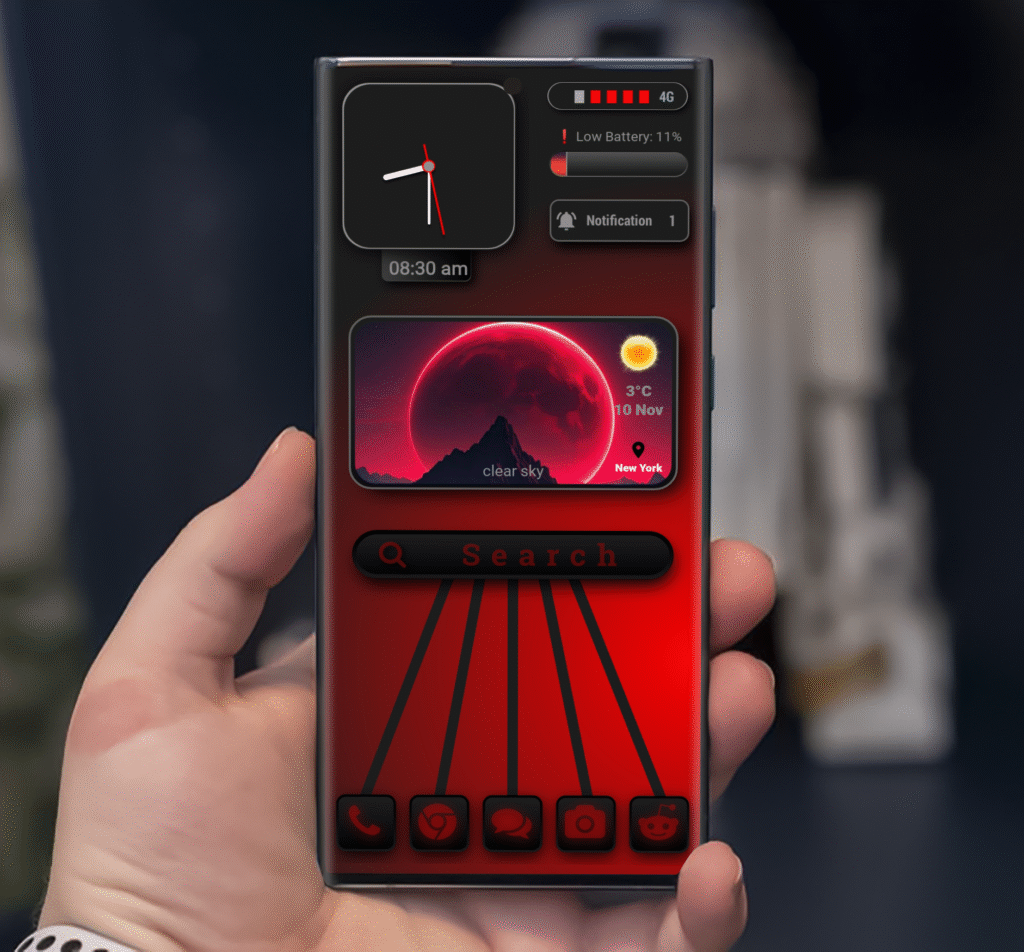
The first thing you notice about Cyber Eclipse is its powerful red-and-black color scheme. The background glows with deep crimson tones, contrasted perfectly with soft shadows and subtle gradients that add depth and realism.
Every element from the neon analog clock to the search bar and weather card feels alive. The layout gives off a tech-inspired rhythm that feels both organized and thrilling. It’s like holding a piece of futuristic art in your hand.
At the top, the clean analog clock keeps your time in style, while the animated battery and network indicators pulse softly a visual reminder that even small details matter.
The Power of Atmosphere
At the heart of Cyber Eclipse lies its weather widget a glowing red moon rising behind dark mountains. It instantly transforms your screen into a mysterious nightscape, blending the calm of minimalism with the thrill of sci-fi.
With real-time weather updates, dynamic visuals, and ambient lighting, the widget doesn’t just tell you the temperature it sets the mood.
Whether it’s a clear morning or a stormy evening, the theme adapts beautifully to reflect the day’s vibe.
🔍 Functional Elegance
Beneath the weather card lies a stylish search bar and a perfectly aligned app dock. Each icon is redesigned in glowing red tones, matching the theme’s core aesthetic.
From your calls to your messages, every touch feels smooth, seamless, and cohesive. Cyber Eclipse keeps functionality simple because real design doesn’t just look good, it works effortlessly.