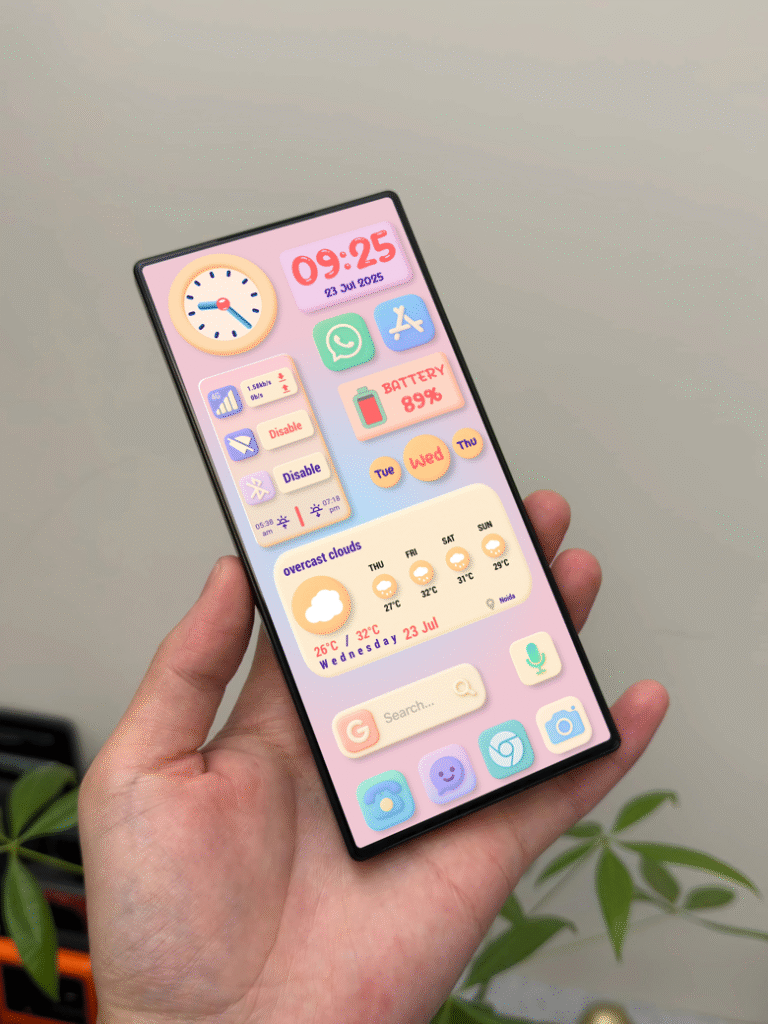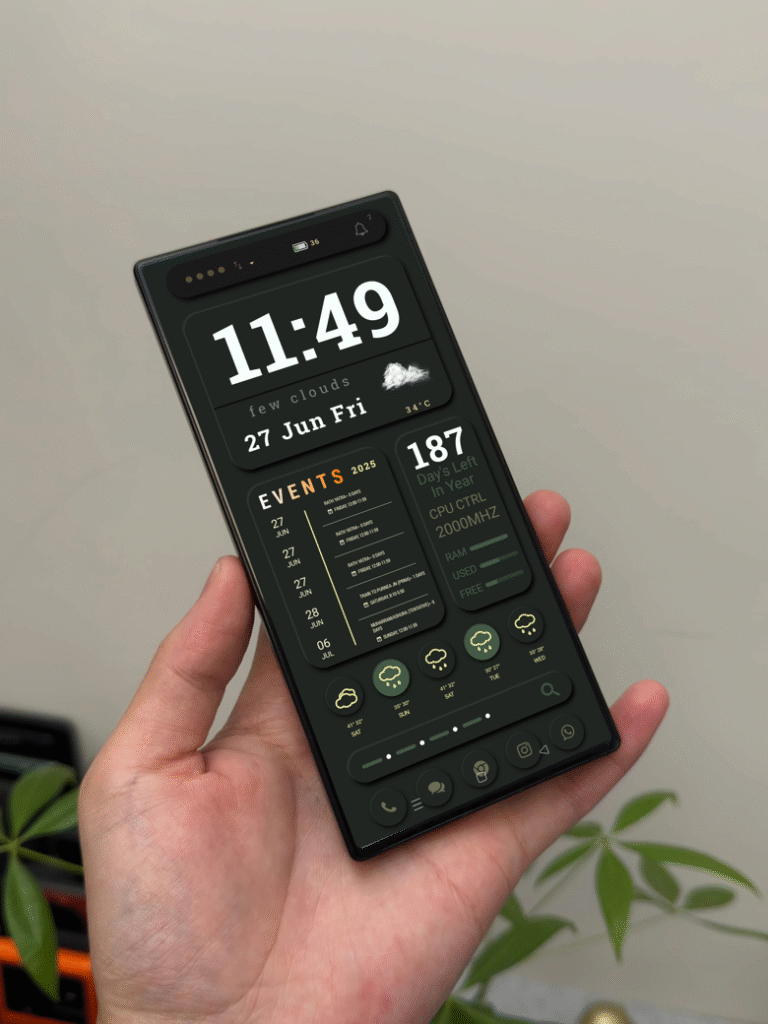
Android customization is more than just changing wallpapers. It’s about building a complete visual experience.
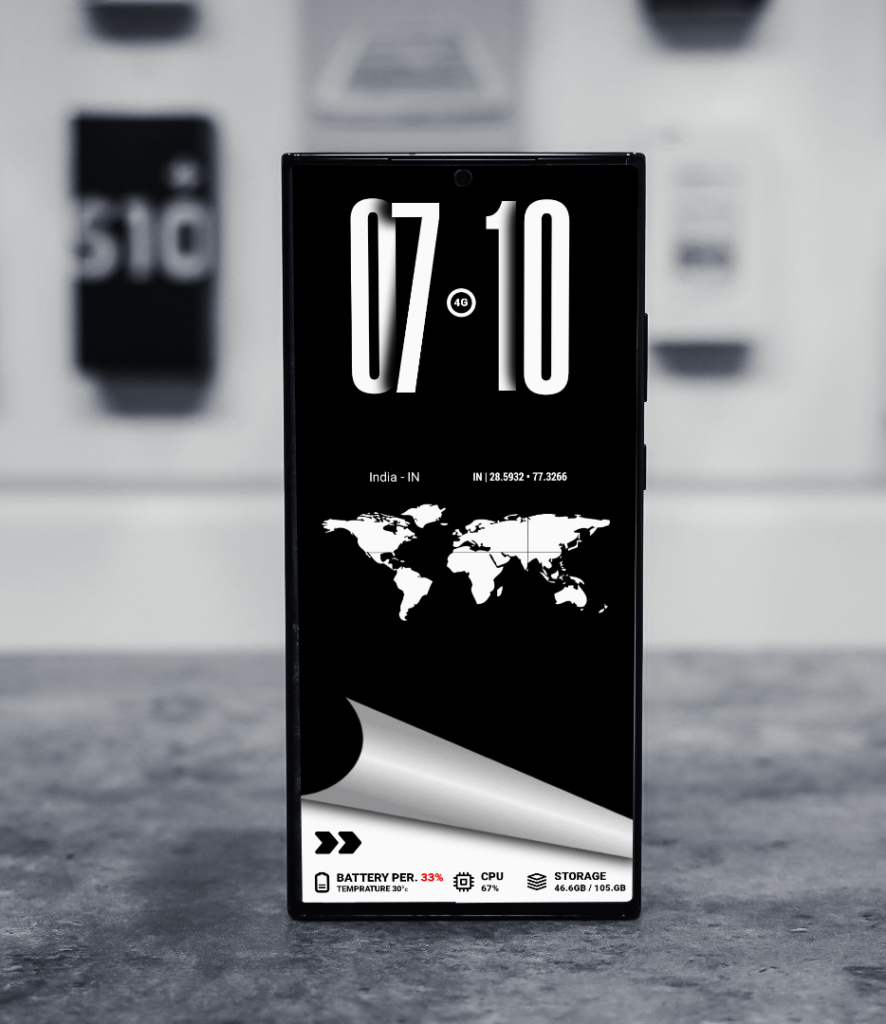
NUMERAUI is a premium KLWP theme designed for users who love bold typography, clean layout structure, and smooth animation transitions.
If you are searching for a minimal yet powerful KLWP setup, this theme delivers both performance and style.
Clean and Bold Home Dashboard
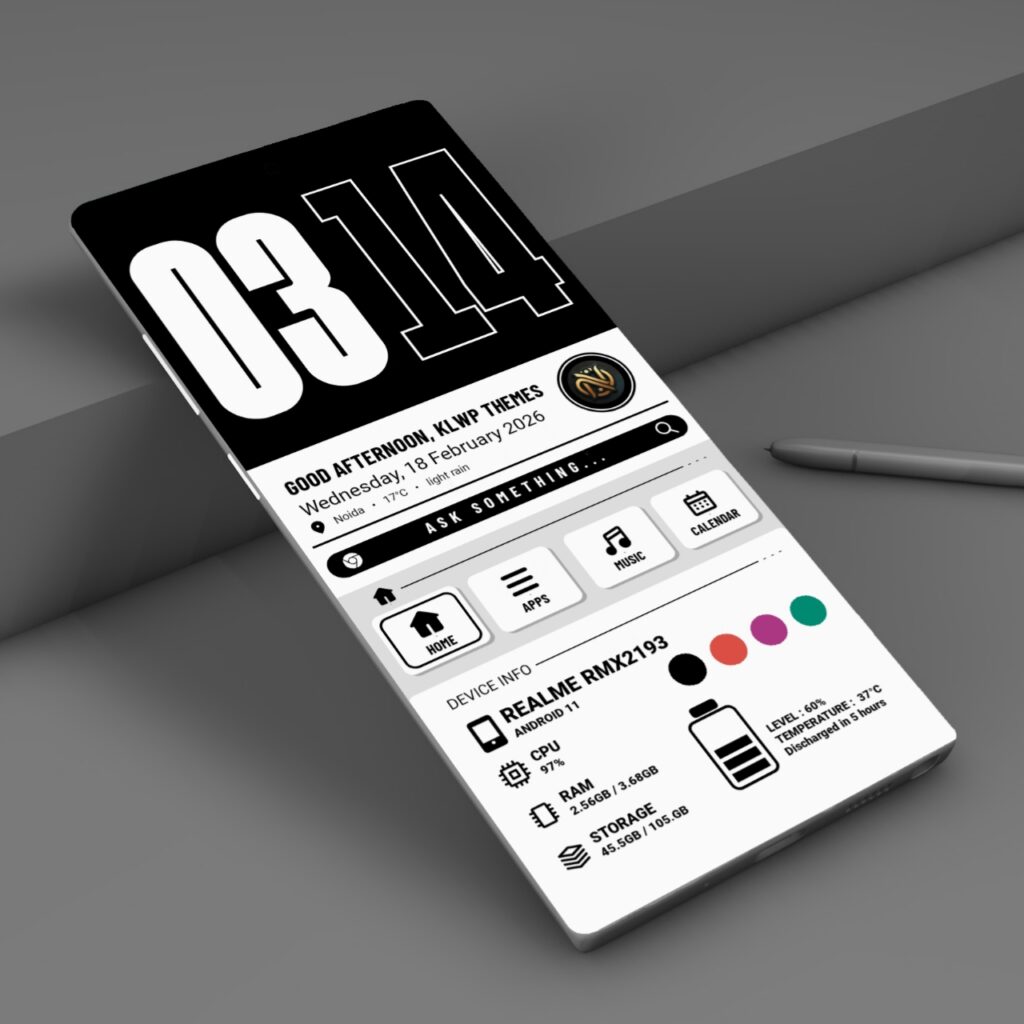
Key elements on home screen:
Large modern digital clock
Greeting section
Real-time battery and system info
Smooth animation effects
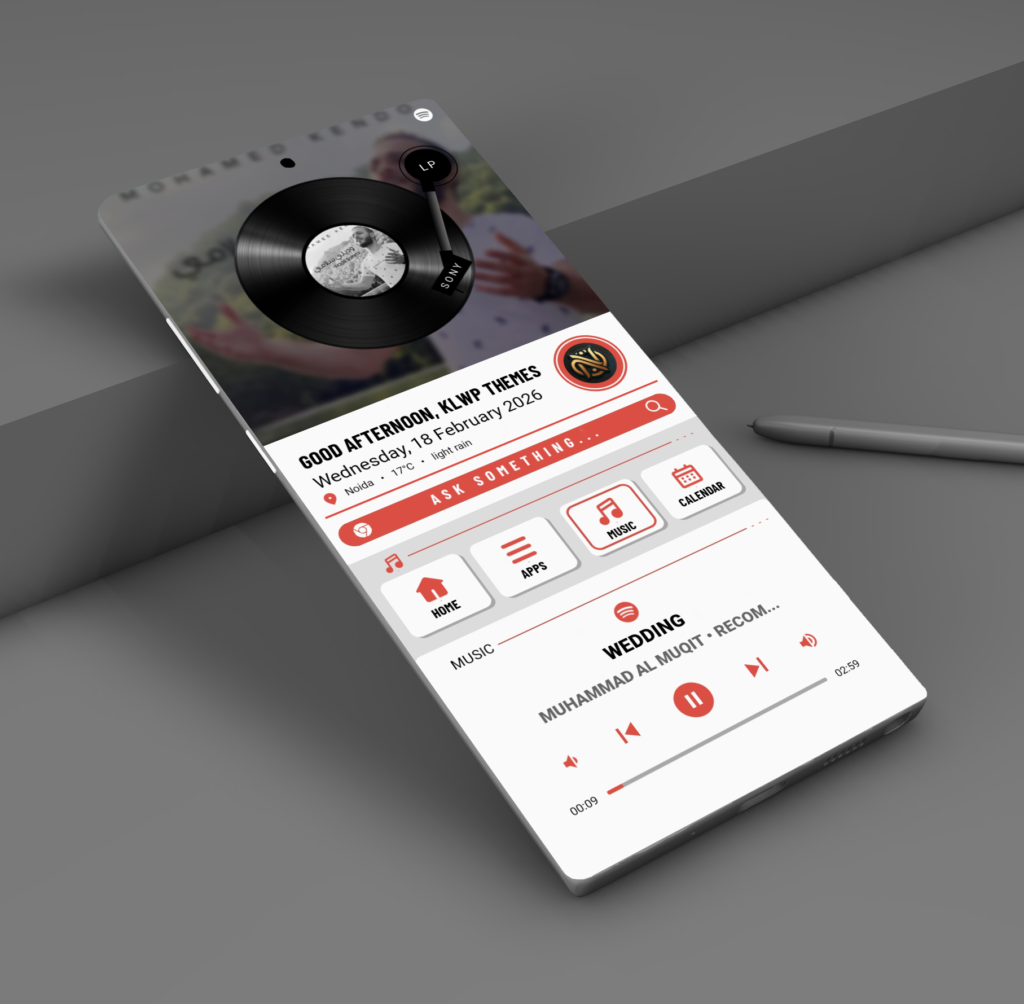
Smooth Music Player Animation
The music section is designed for visual engagement. The rotating vinyl animation creates a premium feel while keeping playback controls accessible.
It supports:
Track progress bar
Play / Pause controls
Album art display
Beautiful Color Variants Included
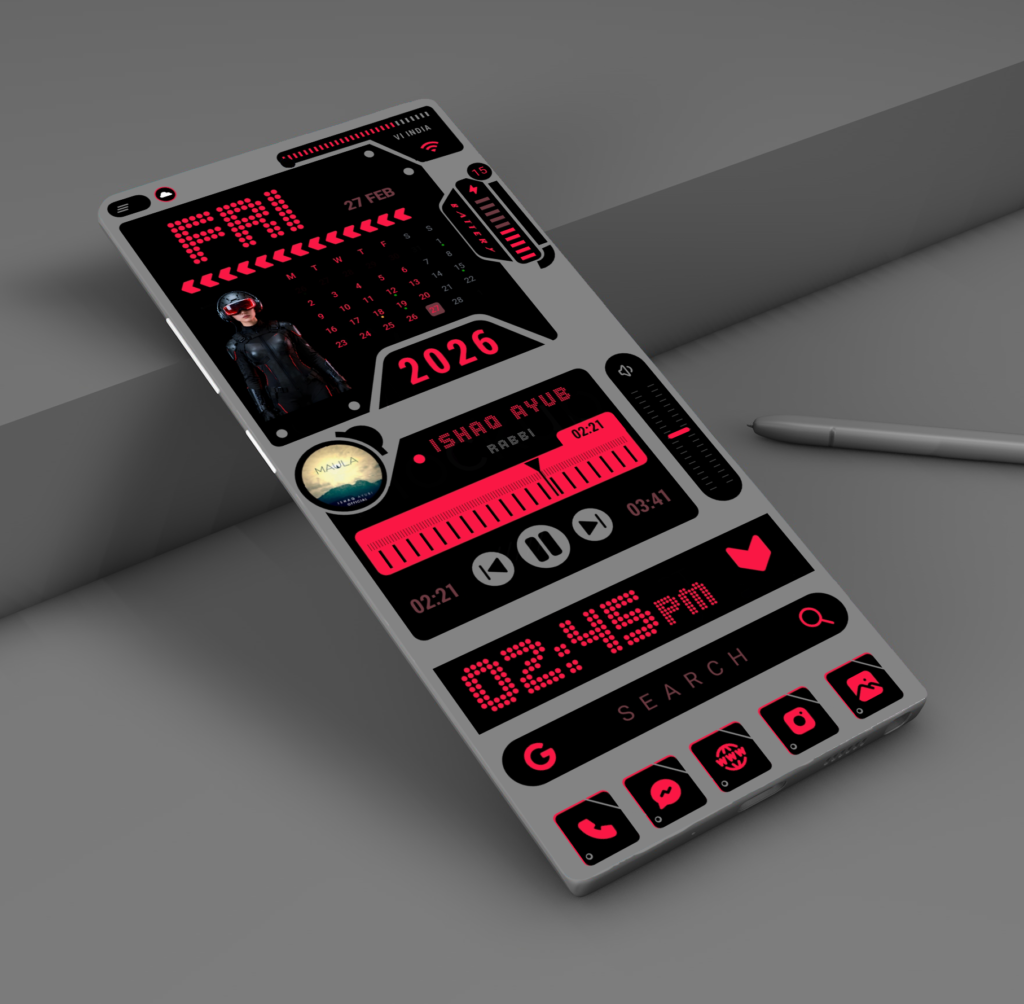
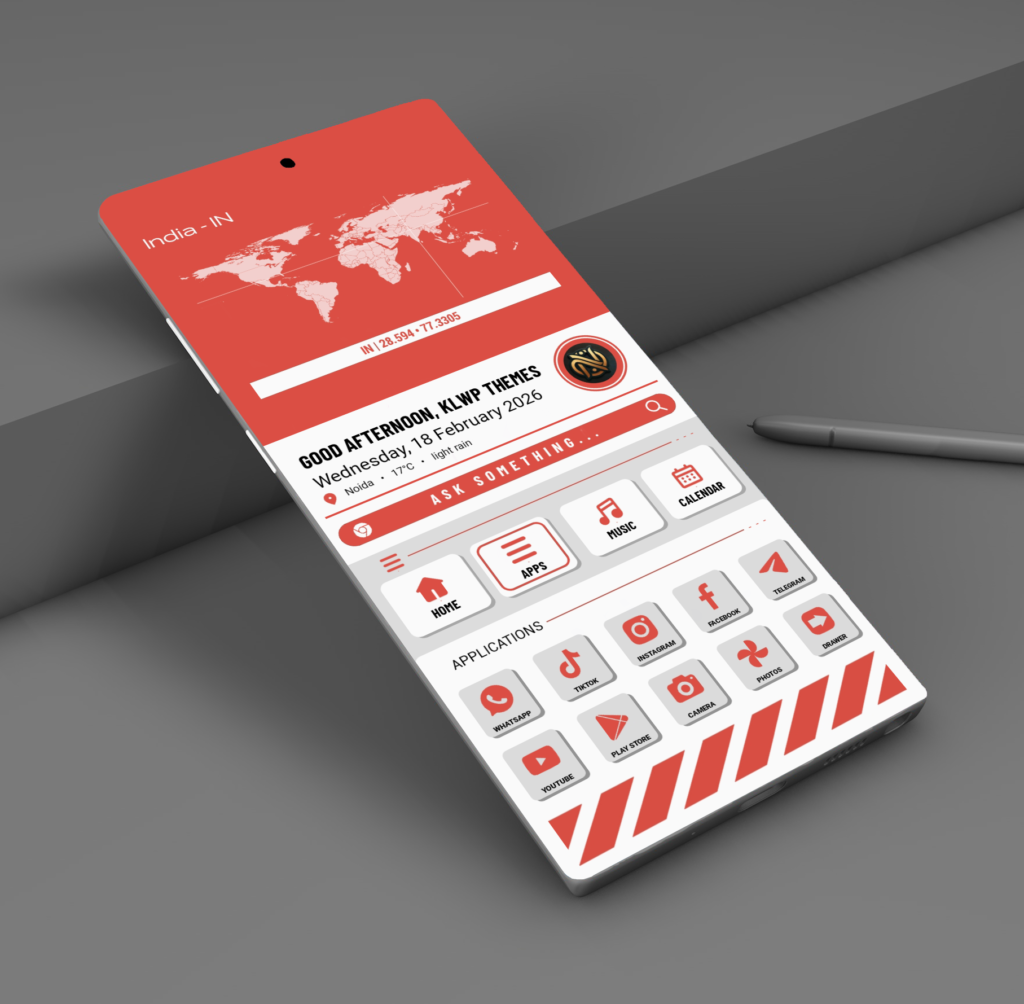
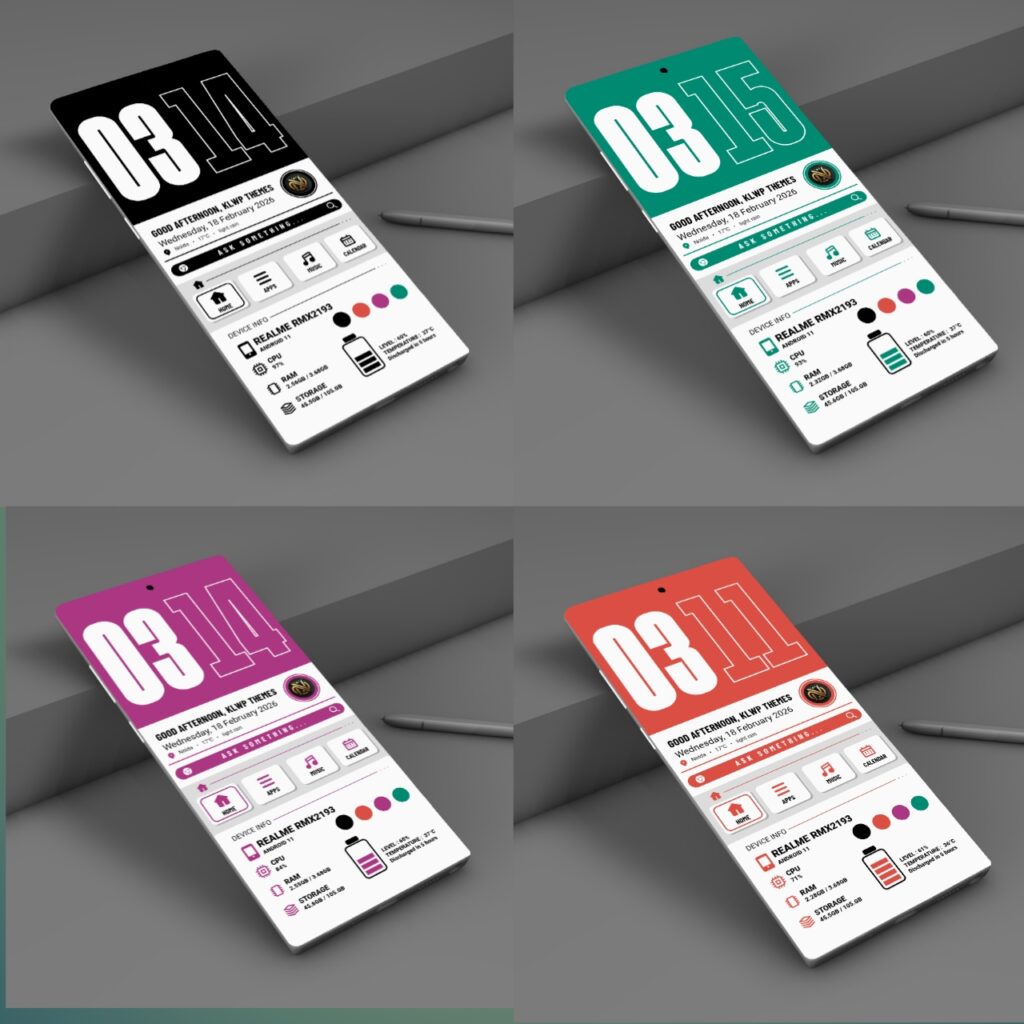
NUMERA UI includes four professionally designed color editions:
Crimson Red
Emerald Green
Midnight Black
Royal Magenta
You can switch colors easily using Home screen 4 colour options
Performance and Optimization
This theme is optimized for smooth performance and battery efficiency.
Recommended setup
KLWP Pro Version
Nova Launcher
Single home screen configuration
Disabling dock and extra screens ensures the best animation experience.
How to Apply the Theme
Install KLWP Pro.
Install Nova Launcher.
Set Nova to 1 screen and disable dock.
Open KLWP → Load Preset → Select NUMERA UI.
Save and apply as wallpaper.
Final Thoughts
NUMERA UI is built for users who want a clean, bold, and fully animated KLWP experience. Every section is designed with structure, clarity, and performance in mind.
If you appreciate minimal design with strong visual impact, this theme will transform your Android home screen.
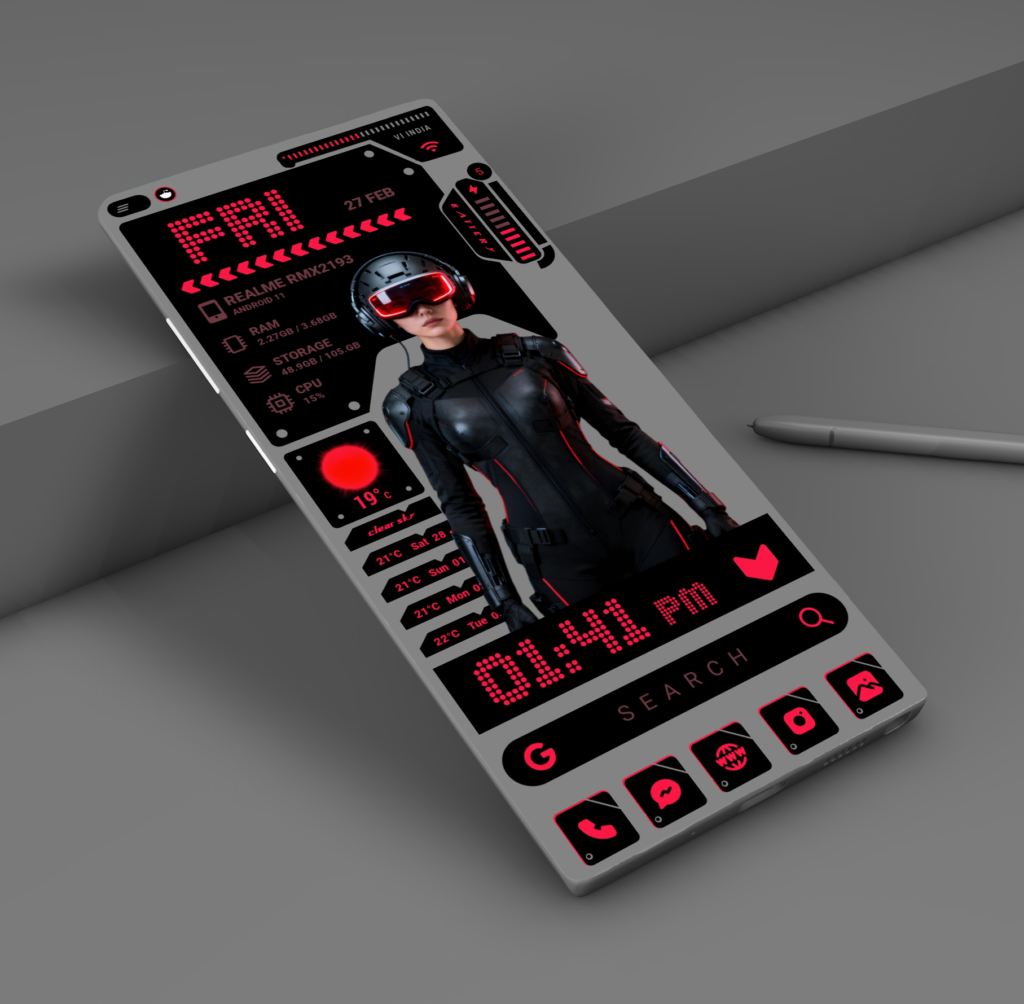
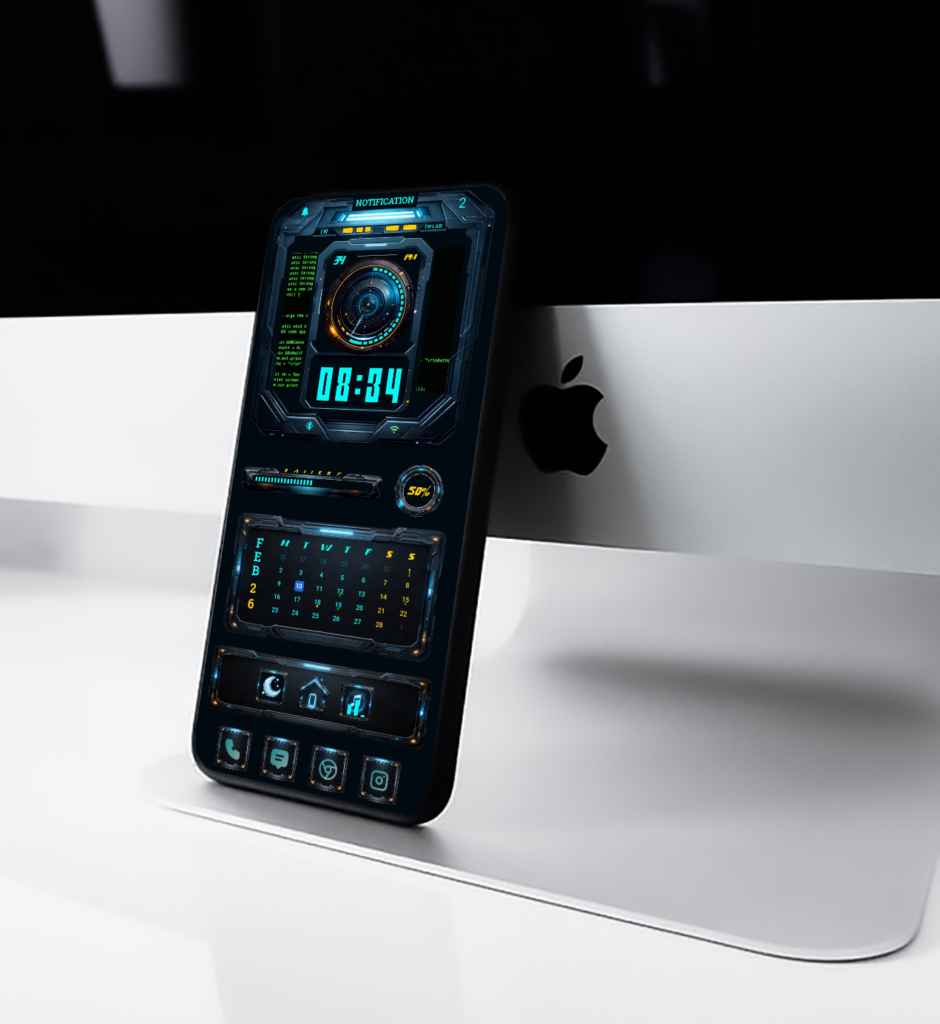
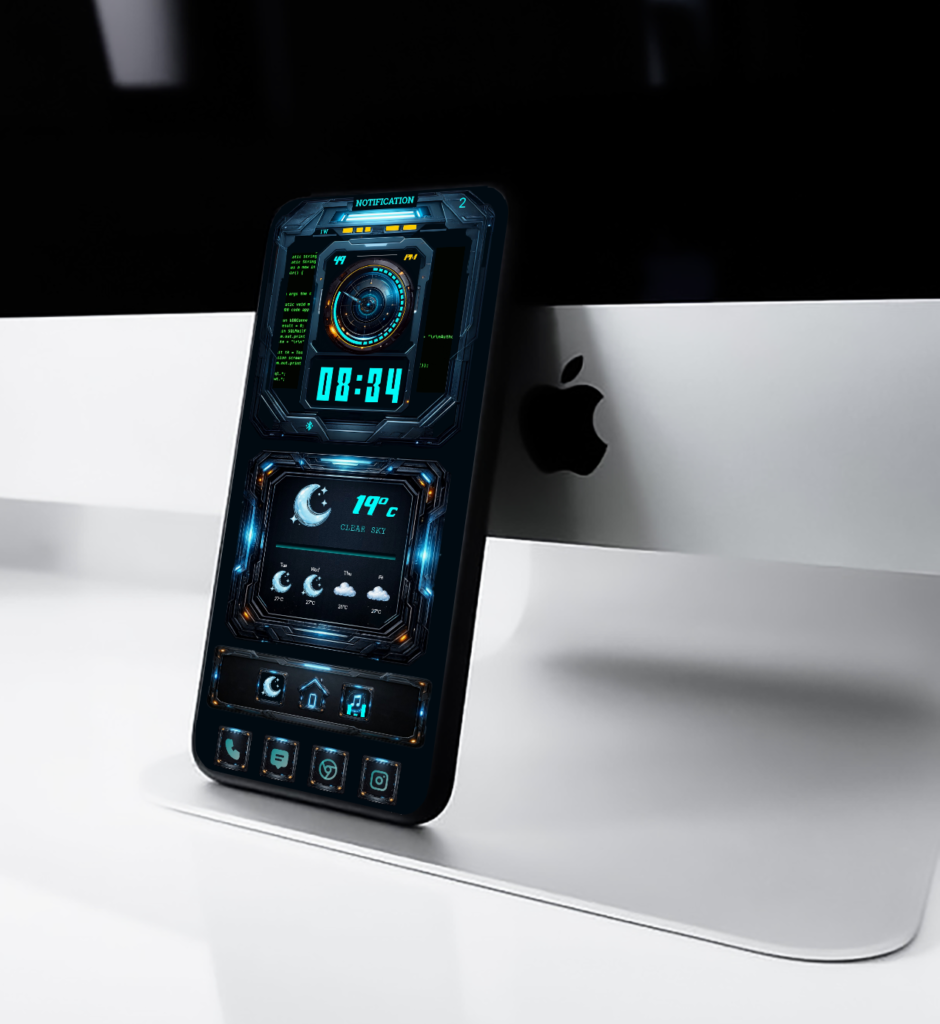
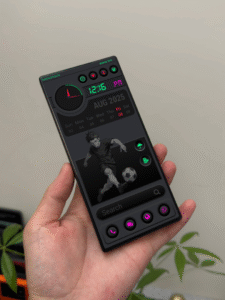
Quantum HUD X is a 3-page animated KLWP theme designed for users who love futuristic and clean home screen setups. The idea behind this theme was simple: create something that feels powerful, smooth, and visually striking without being cluttered.
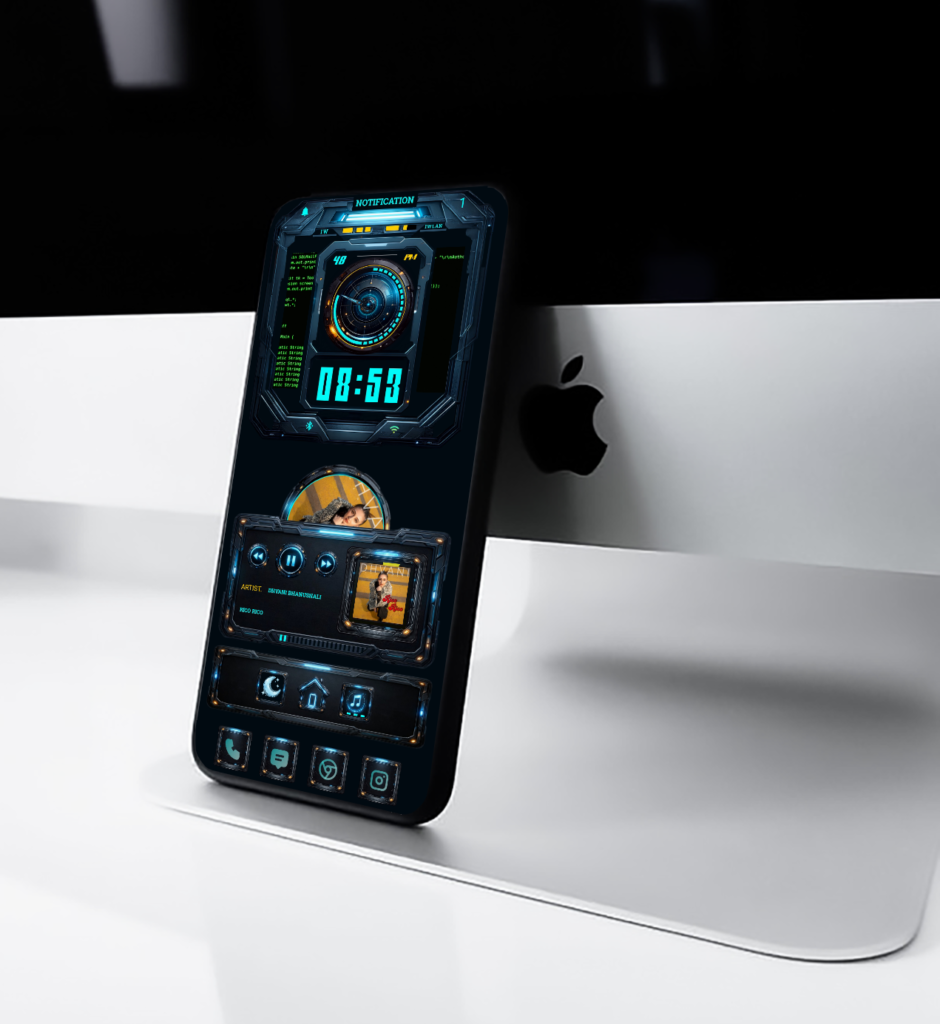
Each page has its own purpose. The main screen focuses on time and notifications with a bold HUD clock. The second page gives you weather, battery, and calendar information at a glance, while the third page is built around music control with fluid animations and a cyber-style layout.
All animations are smooth and balanced, made to feel fast but calm. Colors are kept dark with neon highlights to give a true sci-fi look that works well on Android smartphone.
Quantum HUD X is made for people who enjoy customization and want their phone to feel different every time they unlock it. It’s not just a theme it’s a complete futuristic home screen experience.
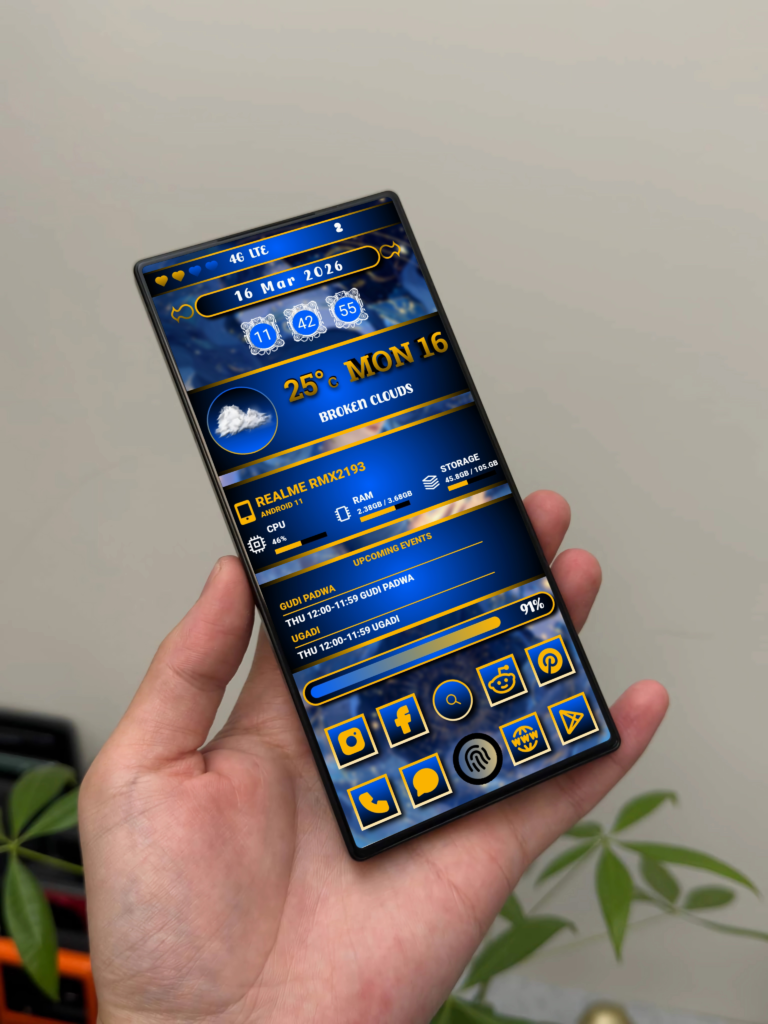
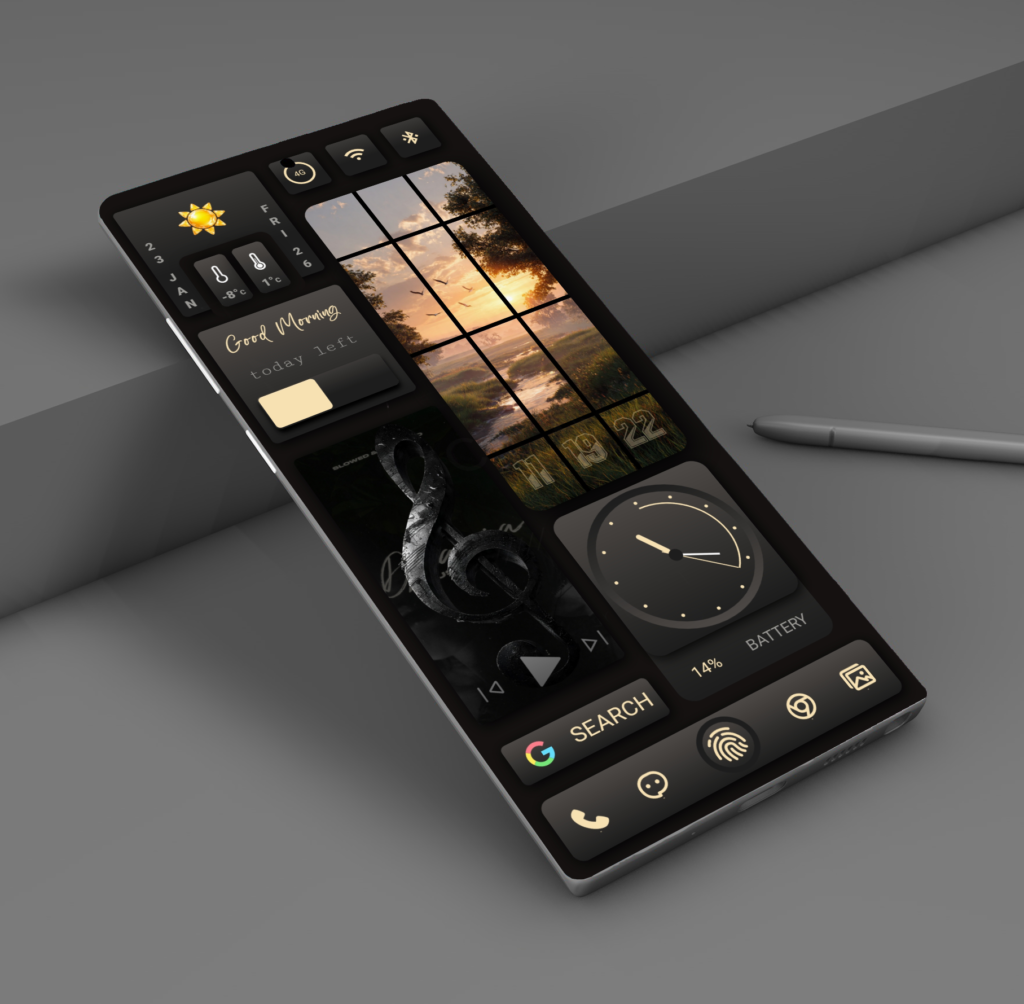
If you love clean layouts, modern widgets, and a premium “dashboard style” home screen, then Midnight Neo Panel is made for you. This KLWP theme is designed to look elegant, functional, and smooth—perfect for anyone who wants a stylish home screen without clutter.
What Makes This Theme Special?
✅ Premium Dark UI
This theme uses a deep black/charcoal base with subtle gradients, giving your screen a classy and modern look. It’s perfect for AMOLED users too, because it feels clean and power-friendly.
Android customization has always been about freedom the freedom to design a device that feels personal, functional, and visually refined. Among the many tools available, KLWP (Kustom Live Wallpaper) stands out as the most powerful platform for creating truly dynamic home screen. Astra flow KLWP is built with this philosophy at its core.
A Design That Balances Style and Function
Astra flow KLWP is not just about visual appeal. Every element is designed with purpose. The layout follows a clean, minimal structure that reduces clutter while keeping essential information easily accessible. Fonts, spacing, and alignment are carefully balanced to create a smooth and premium look across different screen sizes.The theme focuses on clarity and flow—nothing feels forced, and nothing distracts from daily usability.
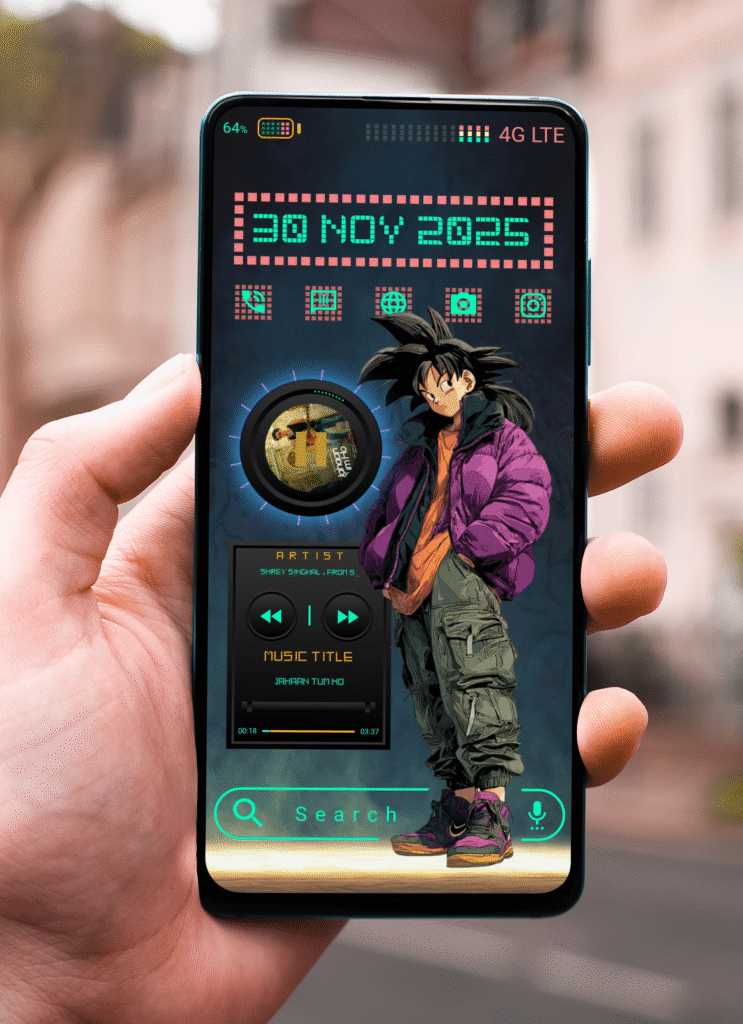
If you love futuristic designs, neon colors, and anime-inspired visuals, Techno Saiyan is the perfect KLWP theme to transform your Android home screen. Designed for users who want bold style with smooth functionality, this theme blends cyberpunk UI, street anime energy, and clean digital widgets into one powerful setup.
What Makes Techno Saiyan Special?
Techno Saiyan isn’t just a theme it’s a full visual experience.With sharp neon elements, glowing grids, and stylish character art, it brings a modern digital world directly onto your phone. The theme includes:
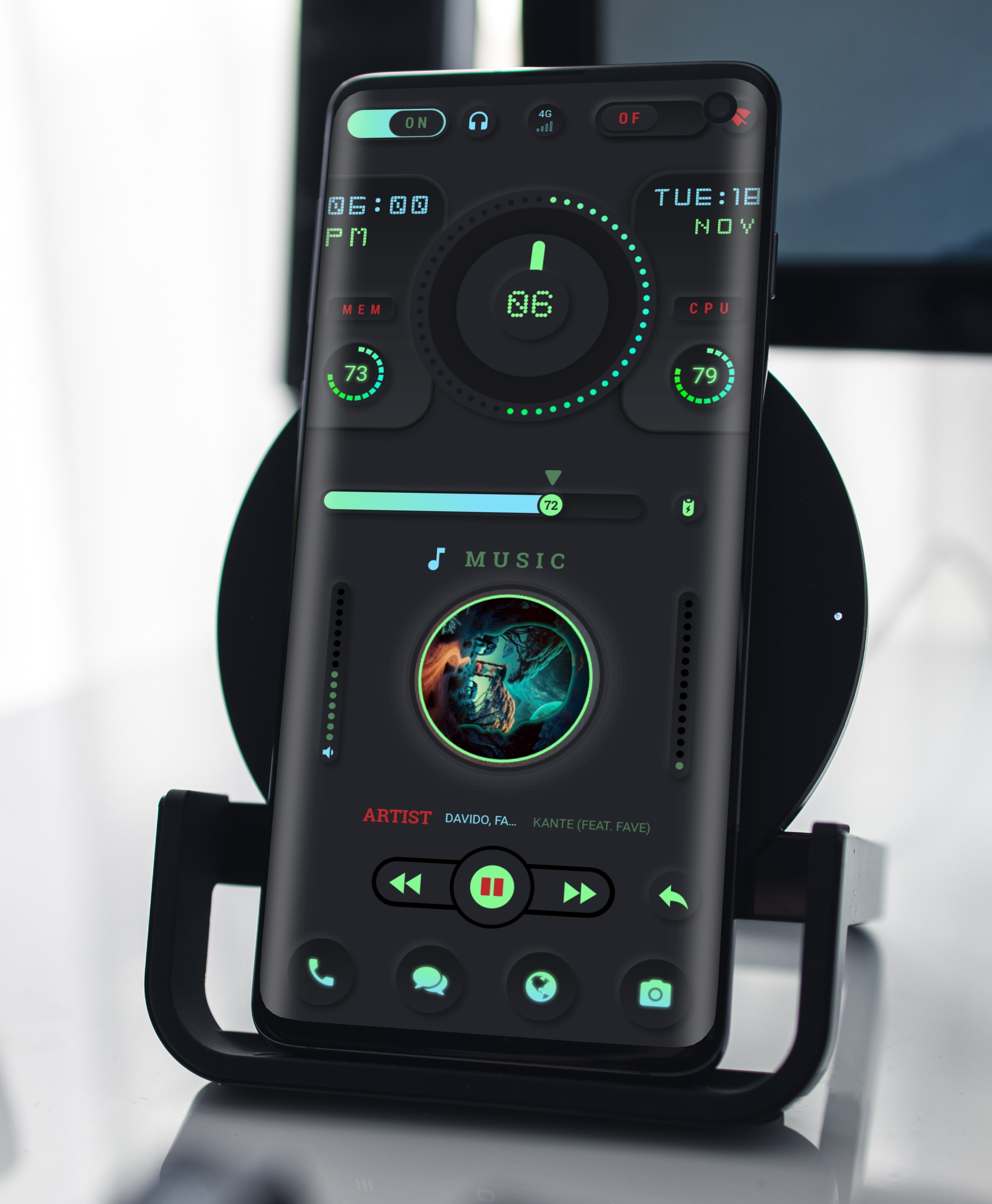
If you love customizing your Android device, you already know how much a great home screen can elevate the whole experience. Today, I’m excited to share something special: Neon Orbit, a KLWP theme designed for people who enjoy smooth animations, clean layouts, and a touch of futuristic neon magic.
What Makes Neon Orbit Different
Neon Orbit isn’t just another theme with bright colors. It’s built around a circular, glowing hub that keeps all your important information in one place. The idea was to create a layout that feels modern and tech-inspired, but still simple enough for everyday use. The neon-green accents give it a unique personality while keeping the whole design clean and balanced.
When you unlock your phone, you’re greeted with a smooth dashboard that shows your time, battery, weather, and system stats without any clutter. Everything feels connected, like elements orbiting around a central point exactly where the name comes from..
For More Themes Do You Like
A Design Focused on Clarity and Flow
I wanted this theme to look futuristic, but not over whelming. That’s why Neon Orbit uses soft glows, rounded shapes, and light weight animations. Each element is placed intentionally to make navigation easy and natural.You don’t have to swipe around or dig into menus your most-used info is right in front of you.
The animations are subtle but they make a big difference. They give the screen life without slowing down your phone or distracting you. It feels clean, fast, and modern, just the way a daily-use setup should be.
Features That Make Everyday Use Better
A bright, circular hub showing time, battery, and notifications
Live weather updates that blend into the design
System info like RAM, CPU, and network speed at a glance
Music controls that match the theme perfectly
Fully editable KLWP file so you can change colors, shapes, or add your own touch
Works across different screen sizes and aspect ratios
Everything is crafted to be simple, functional, and visually appealing.
Perfect for Minimal and Futuristic Setup Lovers
If you’re someone who loves neon designs, sci-fi vibes, or modern UI layouts, you will enjoy using Neon Orbit. It’s a great fit for people who want a premium look without the complexity. You can run it as-is, or customize it to match your wallpaper or color style.
Dark Wave A Modern KLWP Theme Redefining the Future of Minimal Android Setups
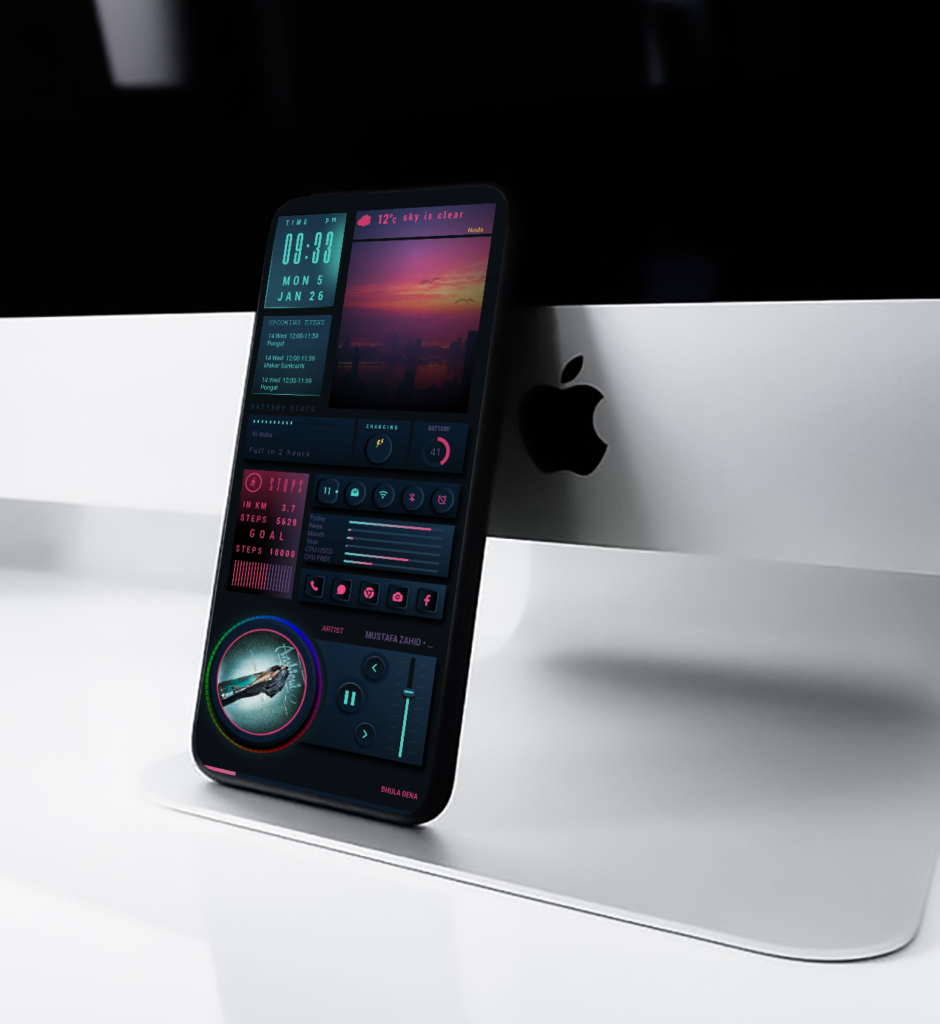
In the world of Android customization, finding the perfect balance between style and usability isn’t always easy. Some themes look gorgeous but slow down your workflow. Others feel practical but lack that visual punch that makes your device truly yours.Dark Wave, a beautifully crafted KLWP theme, solves that problem effortlessly.
This theme brings a fresh perspective to dark UI design, combining neon highlights, smooth gradients, and functional widgets into one seamless home-screen experience. Whether you’re a minimalist, a productivity lover, or someone who simply wants their phone to stand out, Dark Wave delivers everything you need and more.
A Smooth, Dark UI With Electric Highlights
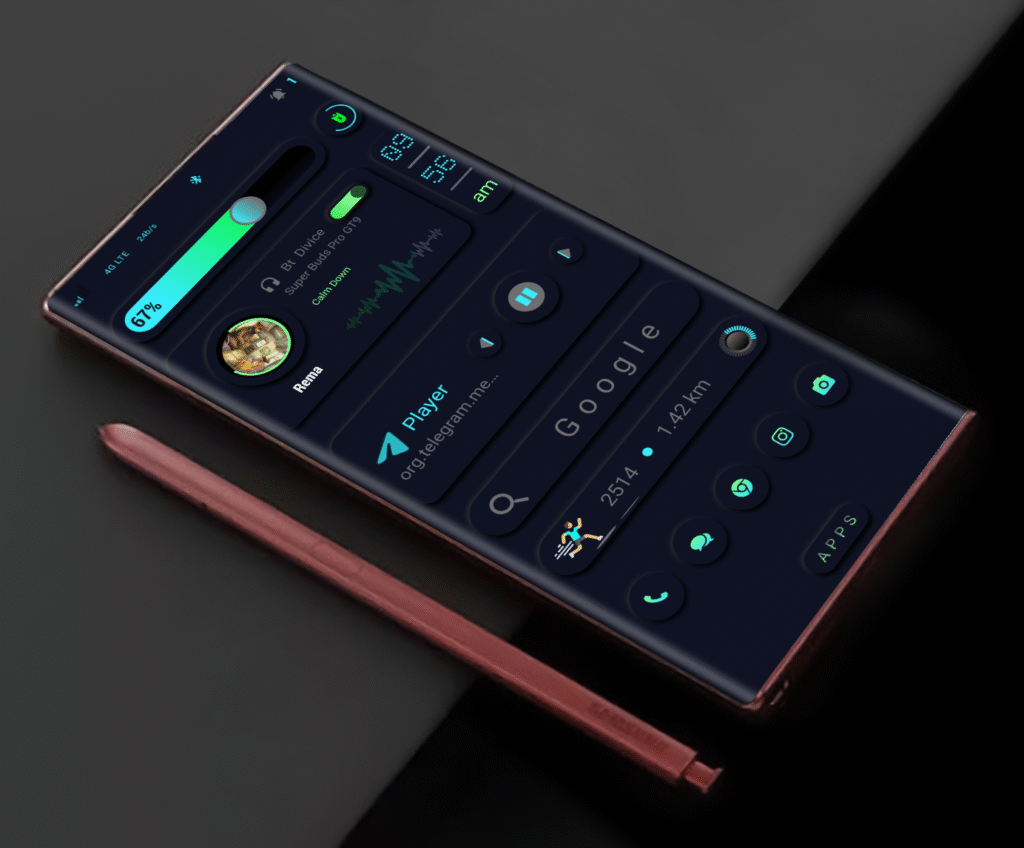
The first thing you notice about Dark Wave is its striking aesthetic.It uses a deep charcoal base, allowing the bright neon accents to glow without feeling overwhelming. Every widget whether it’s the music player, step counter, or quick-access buttons has been designed with soft curves and subtle shadows that give the interface a floating glass-like effect.
A Dashboard Built for Real-Life Use
We all love beautiful themes, but Dark Wave goes beyond visuals and focuses on user experience.Here’s what you get:
✔ Smart Battery Bar
A horizontal battery slider sits at the top, glowing in dual-tone neon. It gives you a clear idea of remaining power at a glance without clutter.
✔ Integrated Music Player
The music widget includes
Album art Animated sound wave
Visualizer track and artist name
Bluetooth device status
It feels alive, and it’s placed perfectly so you can switch or pause tracks instantly.
✔ Digital Clock With Vertical Layout
Instead of the traditional horizontal bar, Dark Wave uses a vertical stacked time bold, easy to read, and unique enough to become its signature style.
✔ Search Bar With Soft Blur
You get a clean Google search bar with a soft shadow effect. It enhances the minimal vibe without losing functionality.
✔ Fitness & Step Tracker
The theme also includes a running-based step counter and distance tracker. It’s compact, accurate, and visually in sync with the overall color scheme.
✔ Essential Icon Dock
At the bottom, you’ll find round neon-tinted icons.Phone Messages Maps Instagram chrome camera
These icons are minimal yet bold, making them easy to identify and tap.
Inspired by Futuristic Interfaces But Still Practical
Unlike themes that look good only in screenshots, Dark Wave is built to be used daily.
No overcrowded Sections
perfect Space smooth
Animation quick access to essentials
No unnecessary decorative widgets
Every element feels like it belongs. The theme gives your phone a futuristic sci-fi feel while staying lightweight and responsive.
Customization for Every User
Even though Dark Wave comes ready-to-use, it’s still fully customizable inside KLWP:
Replace icons with your own set
Edit the music Visualizer
adjust the widget Spacing
add your own apps to the dock
Why You’ll Love the Dark Wave Theme
Here’s what makes Dark Wave special:
🔹 Futuristic neon-dark aesthetic
🔹 Smooth, floating widget design
🔹 Beautiful vertical digital clock
🔹 Full music player with visualizer
🔹 Fitness and distance trackers
🔹 Clean search bar and essential apps
🔹 Highly usable for everyday tasks
Conclusion
Dark Wave isn’t just a KLWP theme—it’s an experience.It transforms your phone into a futuristic dashboard while staying simple and comfortable to use. If you love dark mode, neon colors, and clean UI, this theme will feel like it was made for you.
Whether you’re customizing for productivity or style, Dark Wave gives your Android device a fresh personality and a professional finish.
Upgrade your home screen.Upgrade your vibe.Upgrade to Dark Wave.
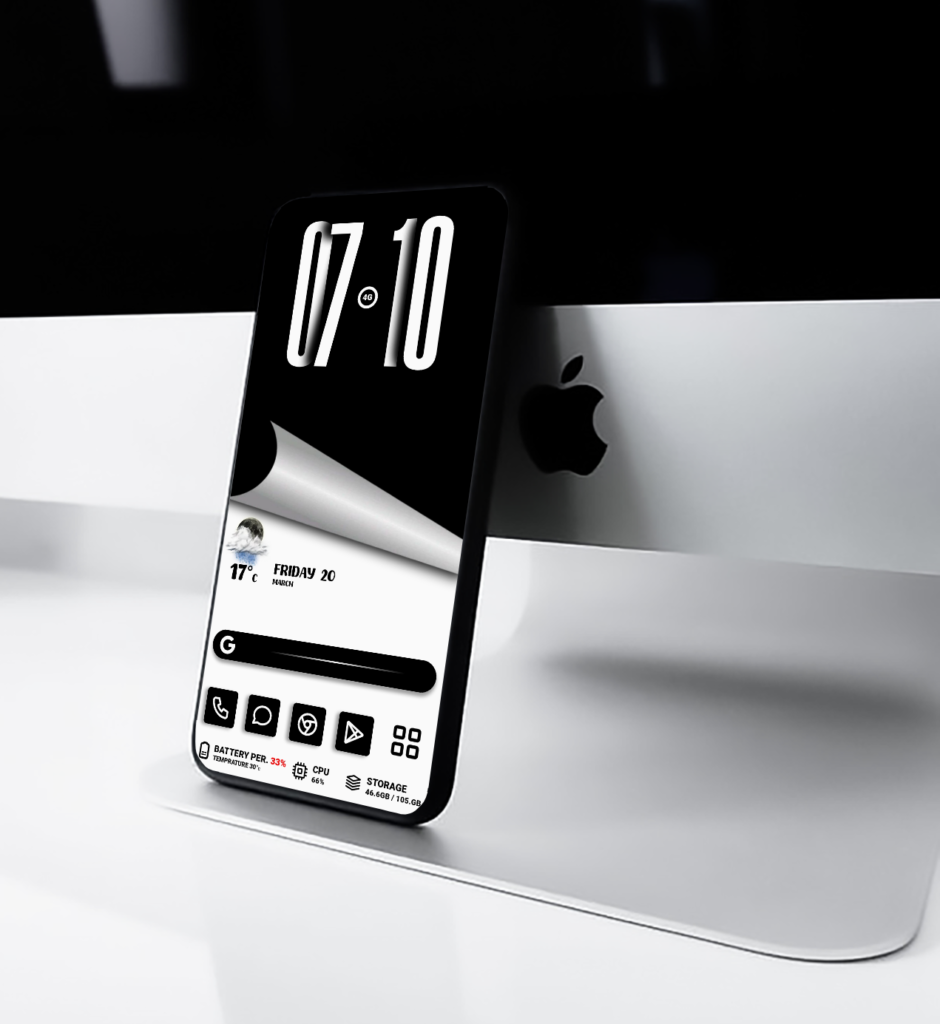
If minimalism and technology had a meeting point, it would look exactly like Lumi Clock klwp Themes.
This new KLWP theme redefines simplicity with a futuristic glow. A soft aqua background hosts a luminous analog clock, where blue light guides your eyes across the time. The design language feels calm yet confident smooth gradients, balanced spacing, and modern typography all come together to create a refined, glass-inspired experience.
What makes Lumi Clock klwp Theme special isn’t just its look, but its feeling. It gives your phone a sense of depth and clarity like light passing through crystal water.
⚙️ Key Features of LumiClock
Here’s what makes Lumi Clock stand out from other KLWP themes:
⏰ Luminous Analog Clock:A glowing, minimal analog clock with fluid animation that perfectly matches the modern blue tone.
🔋 Battery Progress Bar:A smooth, interactive battery bar that visually indicates your device’s charge level sleek and functional.
📅 Dynamic Date & Weekday Display:Clean typography for the date and day adds a modern yet minimalist touch.
🧊 Frosted Glass Dock Icons:Transparent and blurred icons for Phone, Chat, Browser, and Camera enhance the overall premium aesthetic.
📱 Responsive Layout:Optimized for all major Android screen ratios (18:9, 19.5:9, and 20:9).
In a world where most themes are overcrowded with widgets and visuals, Lumi Clock klwp Theme keeps it simple yet striking.It brings focus back to what truly matters time, clarity, and calm design.
The luminous glow offers a futuristic aesthetic that feels like it’s part of your device’s hardware.No clutter. No chaos. Just a serene flow of light and motion that transforms your home screen into a futuristic clock space.
🛠️ How to Apply LumiClock on Your Device
Requirements
KLWP Pro Key nova Launcher (or any launcher supporting KLWP)
Setup Steps
1.Install and open KLWP.
2. Import the LumiClock.klwp file
3. Set KLWP as your wallpaper.
4. Adjust scale and padding if needed (depending on your screen size).
More details visit (Tutorial)
Download Lumi Clock
Lumi Clock is available exclusively on Ko-fi Store designed and shared by Nova Setup.Each download supports independent creators and encourages the continued development of creative KLWP designs.
The Future of Android Home Screen Design,In a world full of plain and repetitive smartphone layouts, Cyber Eclipse arrives like a digital revolution bold, glowing, and futuristic.
⚙️ A Design That Breathes Energy
The first thing you notice about Cyber Eclipse is its powerful red-and-black color scheme. The background glows with deep crimson tones, contrasted perfectly with soft shadows and subtle gradients that add depth and realism.
Every element from the neon analog clock to the search bar and weather card feels alive. The layout gives off a tech-inspired rhythm that feels both organized and thrilling. It’s like holding a piece of futuristic art in your hand.
At the top, the clean analog clock keeps your time in style, while the animated battery and network indicators pulse softly a visual reminder that even small details matter.
The Power of Atmosphere
At the heart of Cyber Eclipse lies its weather widget a glowing red moon rising behind dark mountains. It instantly transforms your screen into a mysterious nightscape, blending the calm of minimalism with the thrill of sci-fi.
With real-time weather updates, dynamic visuals, and ambient lighting, the widget doesn’t just tell you the temperature it sets the mood.
Whether it’s a clear morning or a stormy evening, the theme adapts beautifully to reflect the day’s vibe.
🔍 Functional Elegance
Beneath the weather card lies a stylish search bar and a perfectly aligned app dock. Each icon is redesigned in glowing red tones, matching the theme’s core aesthetic.
From your calls to your messages, every touch feels smooth, seamless, and cohesive. Cyber Eclipse keeps functionality simple because real design doesn’t just look good, it works effortlessly.
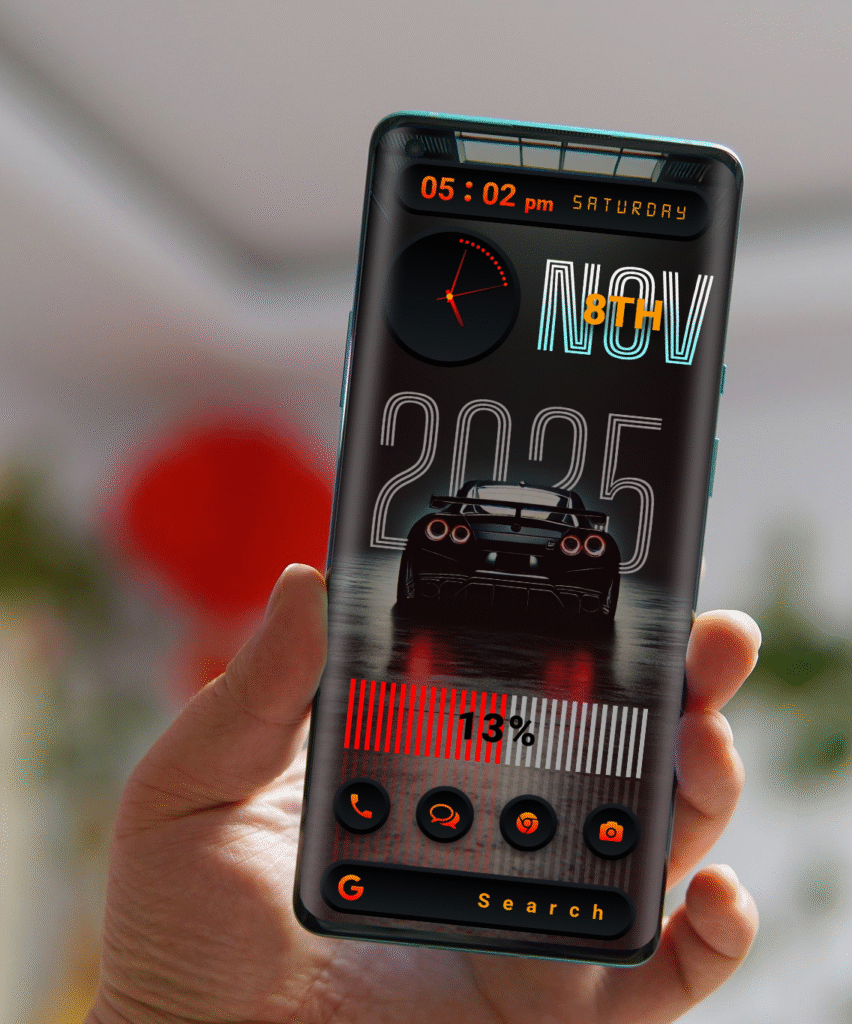
If you’re a fan of speed, style, and futuristic design, the Night Racer KLWP Theme is built just for you. Inspired by the world of midnight street racing, this setup transforms your Android home screen into a powerful dashboard that feels alive with motion and energy.
A Theme That Feels Fast
Night Racer isn’t just a wallpaper it’s a full KLWP experience. From the glowing red highlights to the sleek sports car centerpiece, every element is designed to deliver that race-ready vibe. The clean digital layout makes it both stylish and functional, so your screen looks powerful yet easy to use.
⚙️ Key Features
Dynamic Clock & Date Real-time digital and analog clock combo with bold typography.
Battery Bar Animation Visual battery indicator styled like a racing meter.
Sports Car Design Centerpiece car graphic gives your phone that high-performance edge.
Custom Shortcuts Quick access to essential apps like calls, messages, and camera.
Optimized for AMOLED Deep blacks and glowing red tones for a perfect contrast.
Requirements
To use this theme, you’ll need:
KLWP Live Wallpaper Maker (Pro version)
Nova Launcher (or any custom launcher that supports KLWP)
🚀 How to Apply
1. Install KLWP Pro and Nova Launcher.
2. Download and import the Night Racer KLWP Theme file.
3. Set KLWP as your live wallpaper.
4. Customize icons, shortcuts, and animations as you like.