
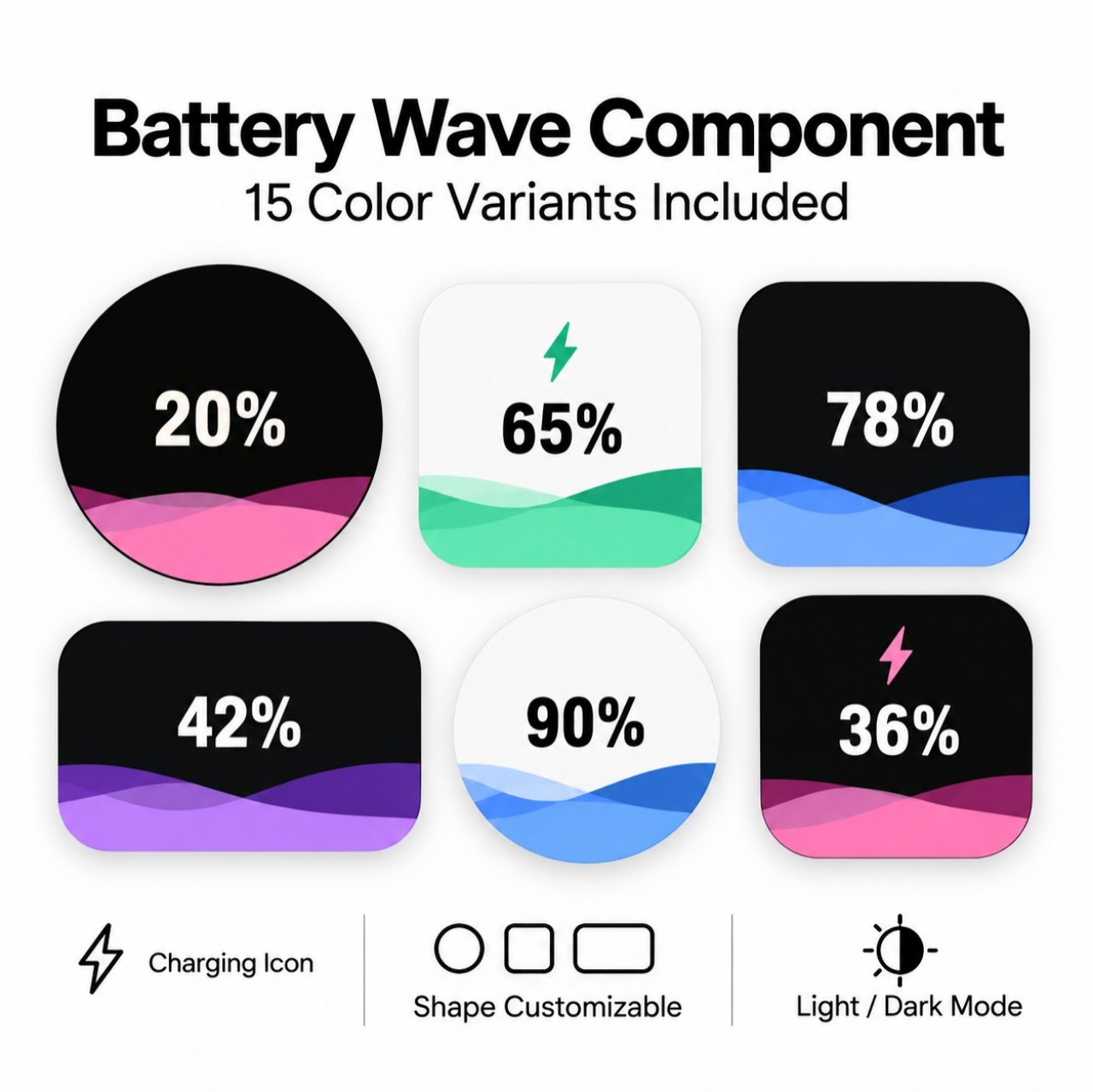
KT Liquid Wave Battery v1.4 – KLWP Widget Component
KT Liquid Wave Battery v1.4 brings animated liquid battery waves, four shape styles and customizable light/dark palettes to KLWP.
More about this theme
KT Liquid Wave Battery v1.4 – KLWP Widget Component
Bring a flowing liquid battery indicator to your Android home screen with KT Liquid Wave Battery v1.4. This KLWP widget component combines a clear battery percentage with layered wave graphics, delivering a compact design that feels expressive without becoming distracting. The showcase presents circle, rounded-square and rectangular designs with vivid pink, blue, green and purple waves on light or dark backgrounds.
Shape, size, water colors and visual effects are configurable through the component’s Globals. Select from preset palettes or build your own wave colors, and choose Auto, Dark or Light mode. Wave motion and speed can be adjusted, while the charging indicator uses an optional blinking lightning symbol. The battery level can display live status, with a demo setting available for previews.
Key Features
- Animated multi-layer liquid-wave battery percentage display.
- Four adjustable shape styles: Circle, Square, Rounded and Rectangle.
- Auto, Dark and Light modes with separately editable colors.
- Preset color palettes, Custom wave colors and optional gradients.
- Wave-height, speed, motion and charging-wave controls.
- Optional blinking charging icon with adjustable size and color.
What’s Included
- KT Liquid Wave Battery Kustom component (
.komp). - KT Liquid Wave Battery v1.4 Quick Globals Guide.
- Demo video and four example images in the supplied ZIP package.
Customization & Setup
- Extract the supplied ZIP archive to access the
.kompfile. - Import the component into KLWP, open the component and select Globals.
- Choose your Shape Type and adjust its corresponding width, height or diameter.
- Select Auto, Dark or Light mode and choose a Color Palette. Use Custom for your own wave colors.
- Adjust Wave Height, Wave Speed, Wave Motion, Text Size and charging appearance as needed.
- Keep Demo Level at -1 to display your phone’s live battery percentage; other values from 0 to 100 are for previewing.
The guide explains every Global, including theme colors, size settings, effects and wave movement. The wave stays clipped within the chosen shape.
Requirements
An Android device with KLWP (Kustom Live Wallpaper Maker) is required to import and use the included .komp component. Specific KLWP Pro and launcher compatibility requirements have not been independently verified.
For more KLWP layouts and components, browse the KLWP Themes Showcase.
Theme Features
- Animated liquid-wave battery indicator Circle, square, rounded and rectangular shapes Auto, Dark and Light color modes Preset and custom water palettes Customizable wave motion, height and speed Optional blinking charging icon
How to Apply
- Download the ZIP and extract the .komp component. Import the .komp into KLWP and open Globals. Choose a shape, color palette and light or dark mode. Adjust wave movement, percentage text and charging icon. Keep Demo Level at -1 to show live battery percentage. Save and apply the component in your KLWP setup.
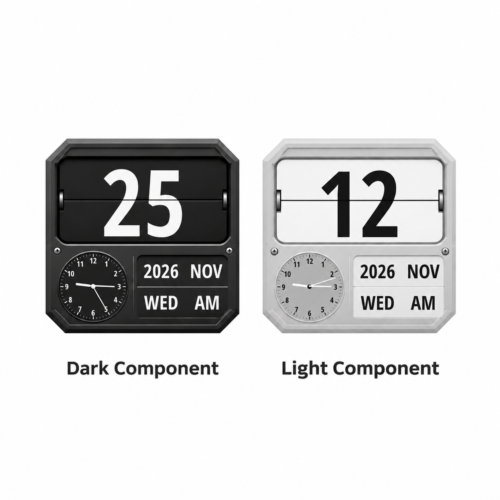 KT Chamfer Flip 03 V1.2 – Dark & Light KLWP Clock Component
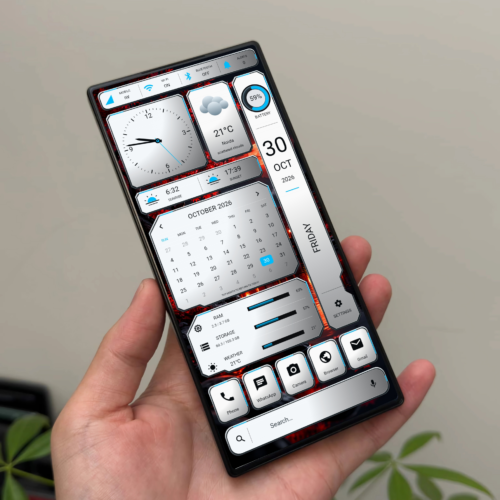 KT Metallic – Customizable Metallic Dashboard KLWP Theme
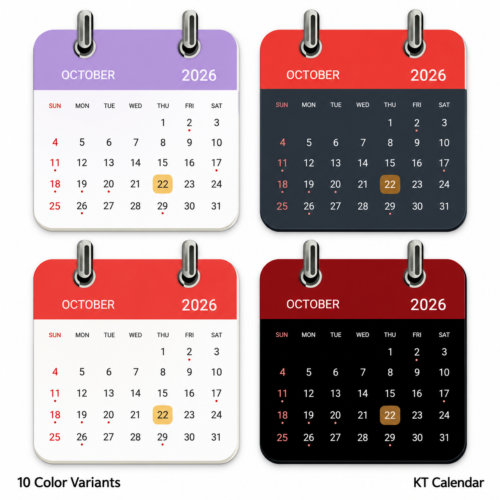 KT Ringbound Calendar V1.4 – KLWP Calendar Widget